


WEBM is useful for web video, but it can be less convenient if you open it on phones, TVs, media players, editors, or social platforms. Convert WEBM to MP4 online to create a video file that is easier to play, upload, send, or reuse.
WEBM to MP4 Converter Online
Convert WEBM to MP4 online for easier playback, sharing, uploading, or editing.
- Convert WEBM videos to MP4 for phones, browsers, TVs, and more
- Choose MP4 resolution, video codec, and audio quality before conversion
- Switch to the desktop app for large WEBM videos and batch conversion
Working with longer WEBM videos or multiple files? Use the desktop version to convert locally, save presets, and handle batch WEBM to MP4 tasks with more control.
Online WEBM to MP4 Converter
Upload a WEBM or common video file, choose MP4 settings, and download a browser-friendly MP4.
Uploaded Video
-
Output Video
MP4 Video
Add a WEBM video to start MP4 conversion.
Converting
Preparing file...
Preparing MP4 conversion...
Convert WEBM to MP4 for Everyday Use
Turn WEBM videos into MP4 files that are easier to play, upload, and reuse
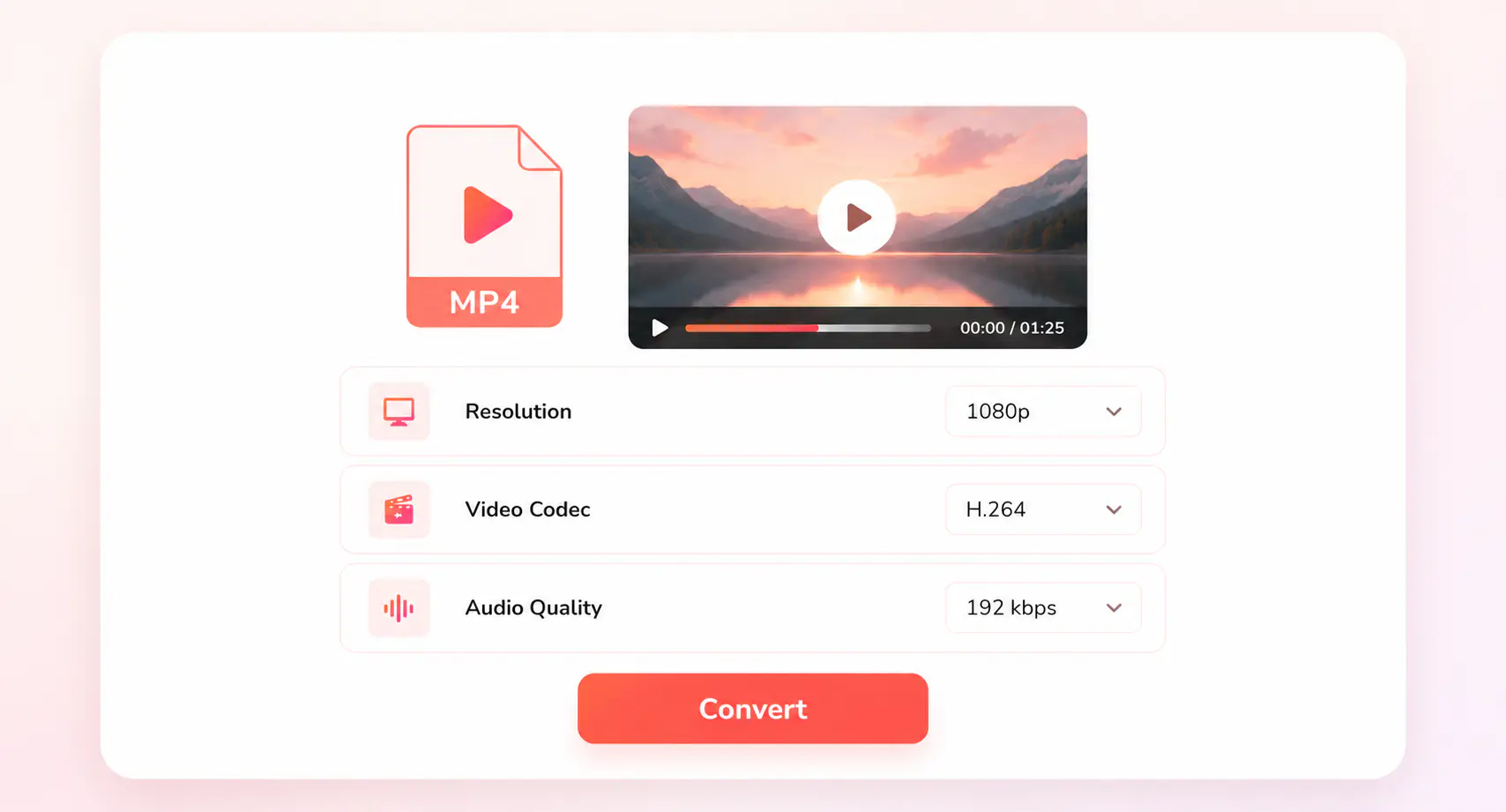
Choose the MP4 settings that fit where the video will be used. Keep the original resolution for best quality, or select 1080p or 720p for common playback, or use a smaller size when you need a lighter file. You can also choose video codecs such as H.264 for broad compatibility or HEVC when file size matters.
For a quick WEBM to MP4 conversion, the online tool is simple and convenient. When you need to convert long-form videos, process multiple WEBM files, or reuse the same export settings (presets), the desktop version lets you convert locally with GPU acceleration or fast conversion mode, save presets, and manage batch tasks with more control.

WEBM to MP4
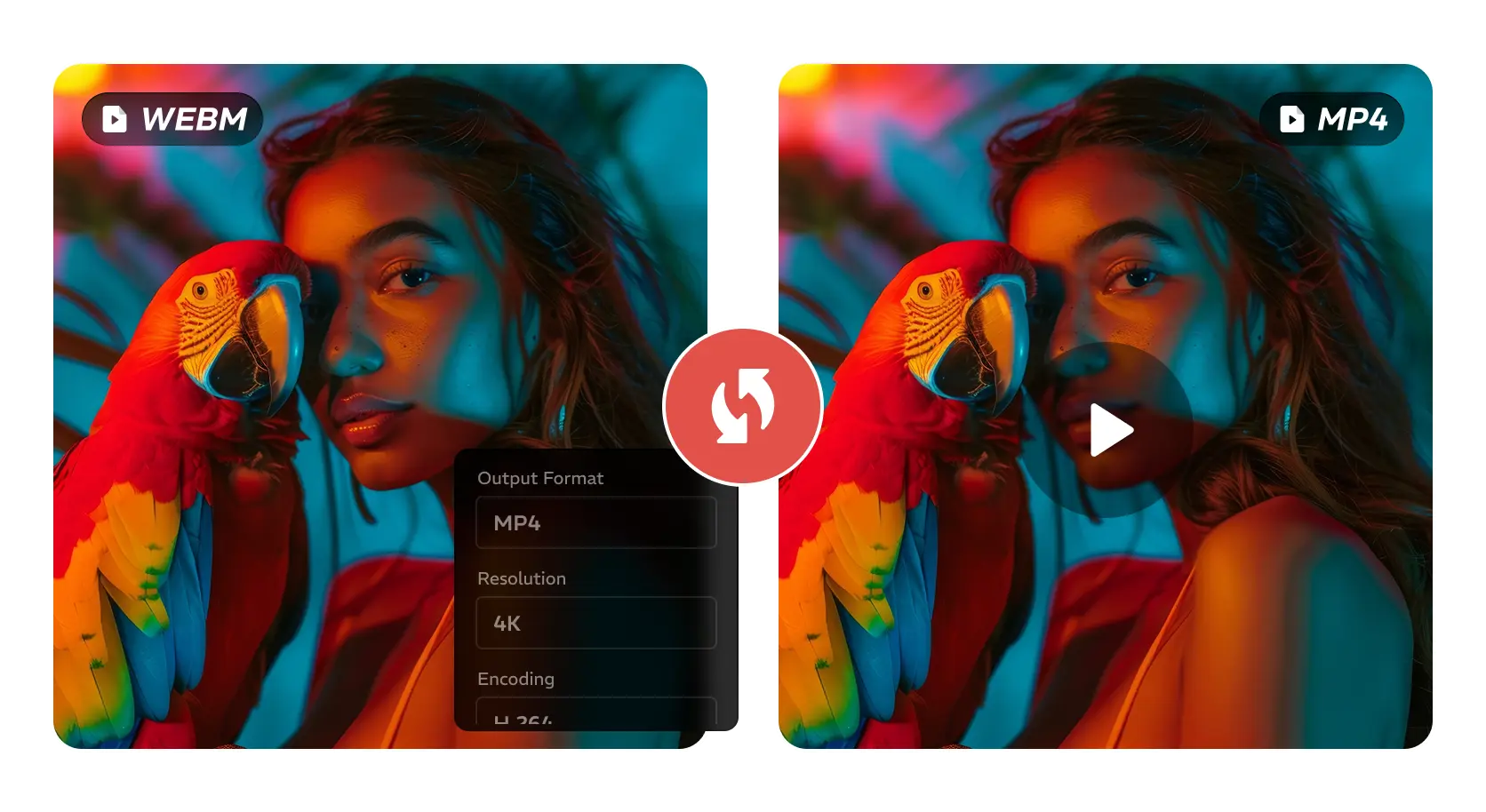
MP4 Settings
Shareable MP4
How to Convert WEBM to MP4 Online
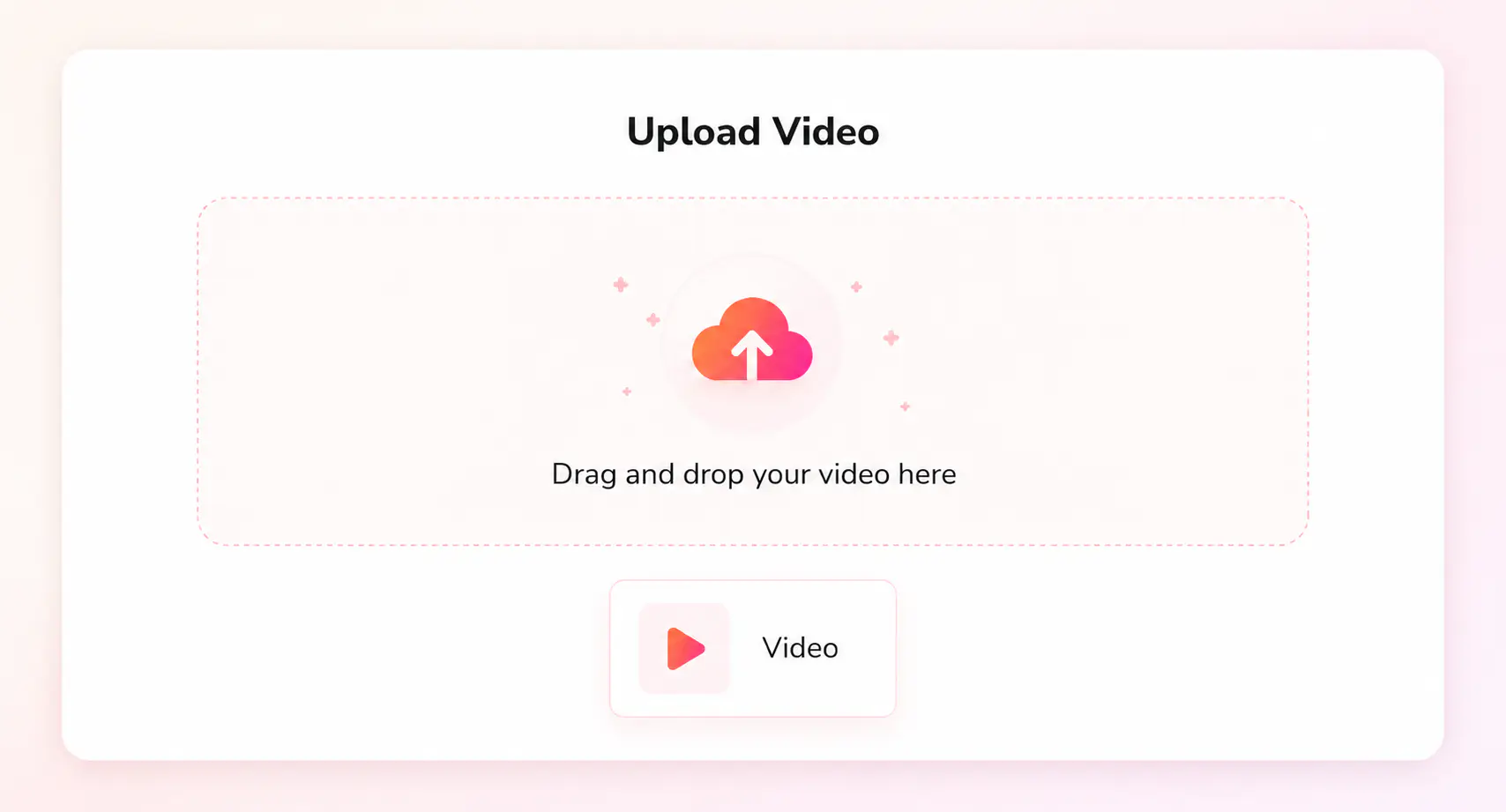
Click “Upload a Video” and add a WEBM file or another common video file.
Select MP4 as the output format, then choose resolution, video codec, and audio quality.
Start converting WEBM to MP4 and save the new MP4 file when the conversion is complete.
Find the Right Video Converter for Your File
Explore more converters for MP4, MOV, MKV, AVI, WebM, and other formats
Explore More MP4 Conversion SolutionsNeed More Control Over WEBM to MP4 Conversion?
Convert large WEBM files, batch tasks, and saved presets locally on Windows or Mac
FAQs about WEBM to MP4 Converter
Quick answers about converting WEBM to MP4
What is the easiest way to convert WEBM to MP4?
The easiest way is to use an online WEBM to MP4 converter for a quick file conversion. Upload your WEBM video, keep MP4 as the output format, choose the settings you need, and download the converted MP4 file.
Can I convert WEBM to MP4 online for free?
Yes. You can convert WEBM to MP4 online for free by uploading your video and downloading the MP4 file after conversion. For longer videos or multiple WEBM files, the desktop version is a better fit.
Why do people convert WEBM to MP4?
People often convert WEBM to MP4 when a WEBM video does not play smoothly in a media player, cannot be uploaded to a platform, is not accepted by an editor, or is hard to preview on a phone. MP4 is usually a safer format for playback, editing, sharing, and everyday video use.
Which settings are best for WEBM to MP4 conversion?
For most WEBM to MP4 conversions, H.264 is the safest video codec for broad playback support. Keep the original resolution to preserve quality, or choose 1080p or 720p when you need a smaller file that is easier to share.
When should I use a desktop WEBM to MP4 converter?
Choose the desktop converter when you have more than a quick WEBM to MP4 task to handle. It is better for longer videos, multiple WEBM files, or projects where you want to reuse the same MP4 settings. Any Video Converter processes WEBM to MP4 locally on Windows or Mac, so you can keep files on your computer and manage larger or repeated conversions more efficiently.