


A VOB file may still contain the clips you need, but it often feels trapped in an old DVD workflow. Convert a single VOB clip to MP4 online when you want a more compatible file for playback, quick editing, cloud upload, or sending to someone who does not use DVD converter.
VOB to MP4 Converter Online
Move VOB clips out of DVD folders and into MP4 without being stuck with old DVD file limits
- Turn single VOB clips into standard MP4 files for everyday use
- Create MP4 copies that travel better across players, editors, and cloud storage
- Desktop mode handles VIDEO_TS folders, subtitle tracks, and split VOB segments
Online conversion is useful for a single VOB clip. For full DVD folders, large segments, subtitles, or audio tracks, use the desktop version.
Online VOB to MP4 Converter
Have a VOB clip from a DVD folder? Convert it into a cleaner MP4 copy online
Uploaded Video
-
Output Video
MP4 Video
Add a VOB file to start MP4 conversion.
Converting
Preparing file...
Preparing MP4 conversion...
Convert VOB to MP4 Without DVD File Friction
Turn VOB clips and DVD video files into MP4 copies
VOB files can include DVD-era video, audio, subtitle, and navigation data that mobile phones, browsers, and editing apps do not always expect. Creating an MP4 copy from VOB helps you keep the useful video while leaving behind the compatibility issues of the DVD container.
The online converter is best for one VOB file at a time. When your video comes from a VIDEO_TS folder, spans several VOB segments, or needs subtitles and audio tracks handled together, the desktop version gives you a local DVD workflow. For full discs or DVD folders, you can also use the DVD to MP4 converter.
VOB to MP4
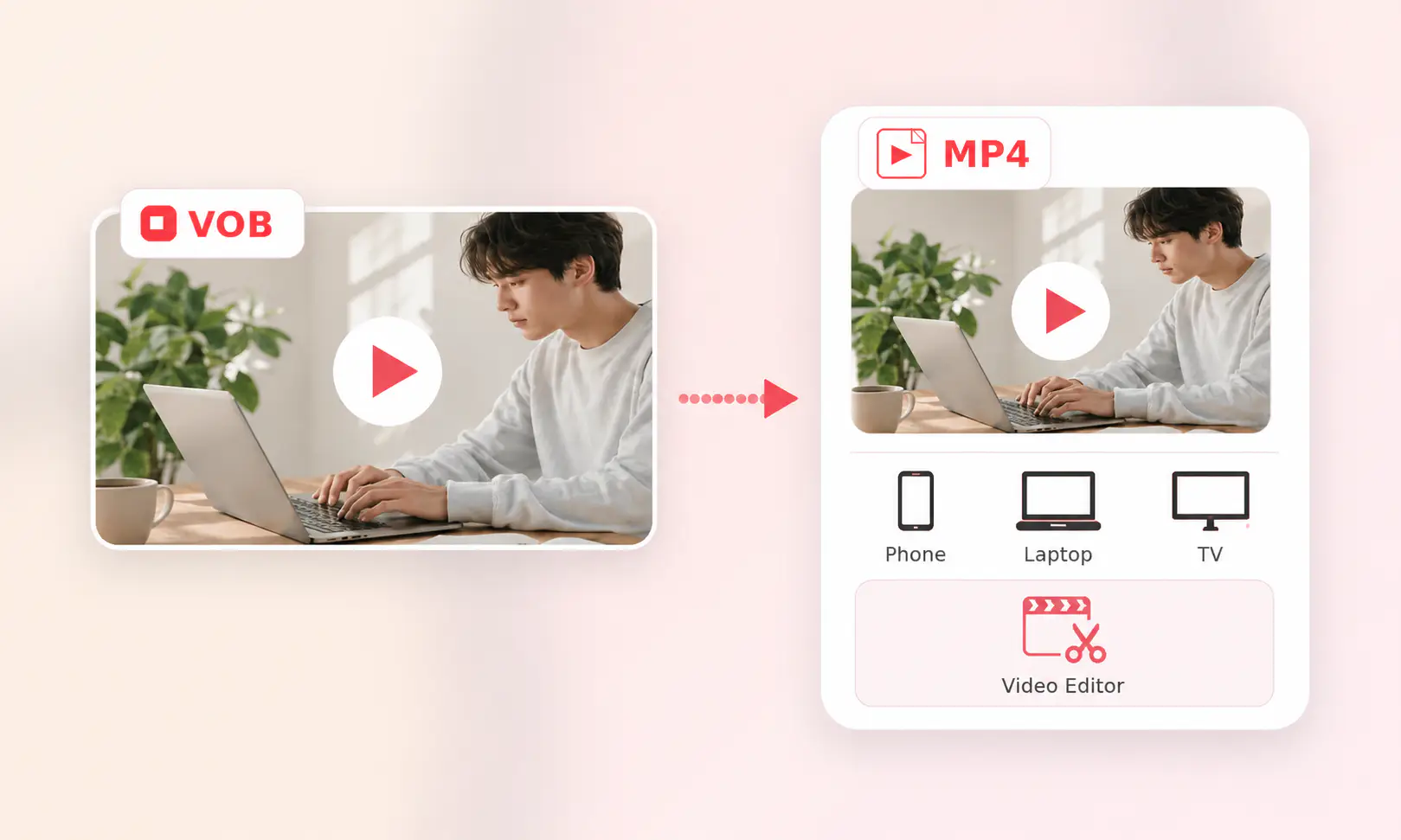
Playable MP4
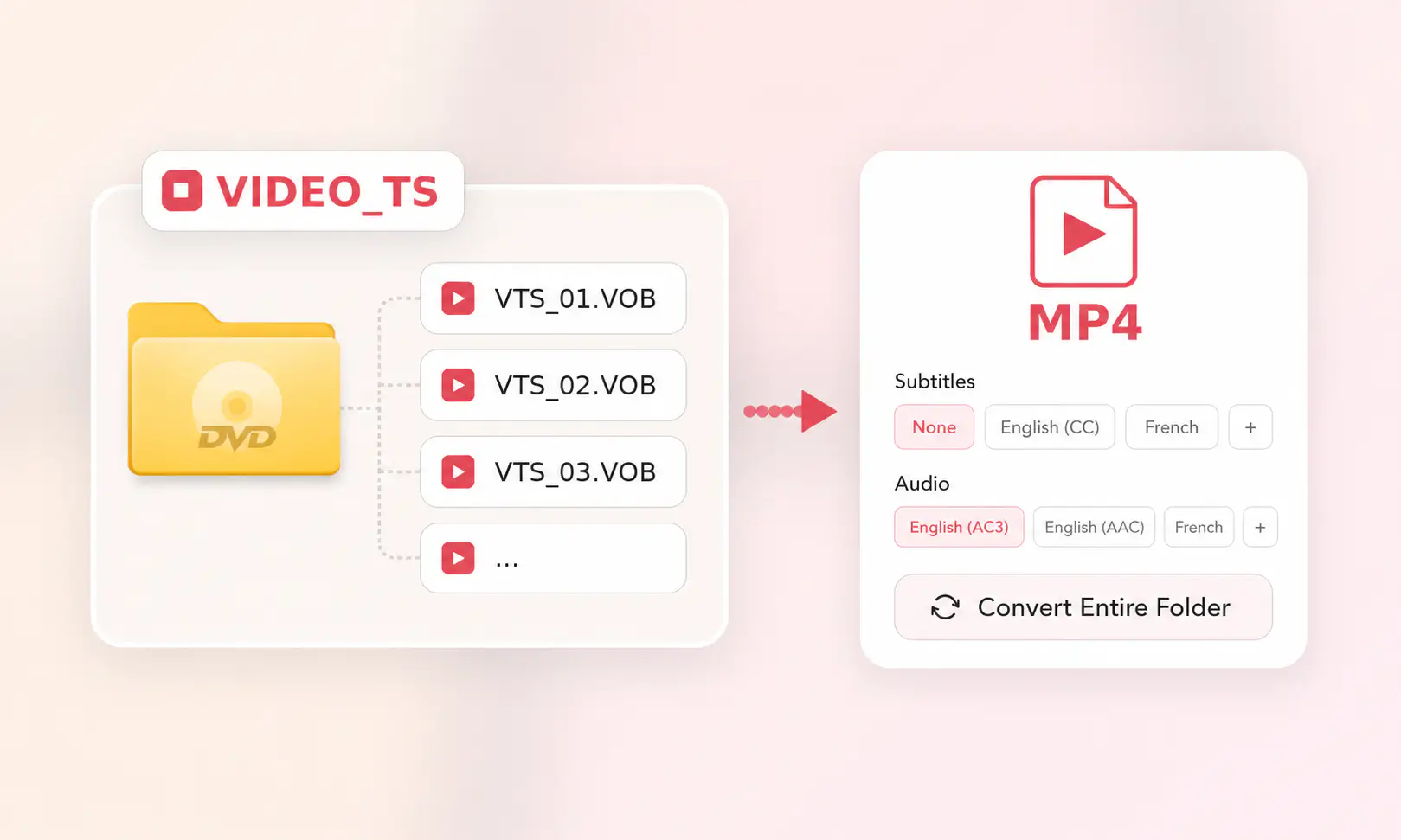
DVD Folder
How to Convert VOB to MP4 Online
Click “Upload a Video” and add a VOB file from your computer.
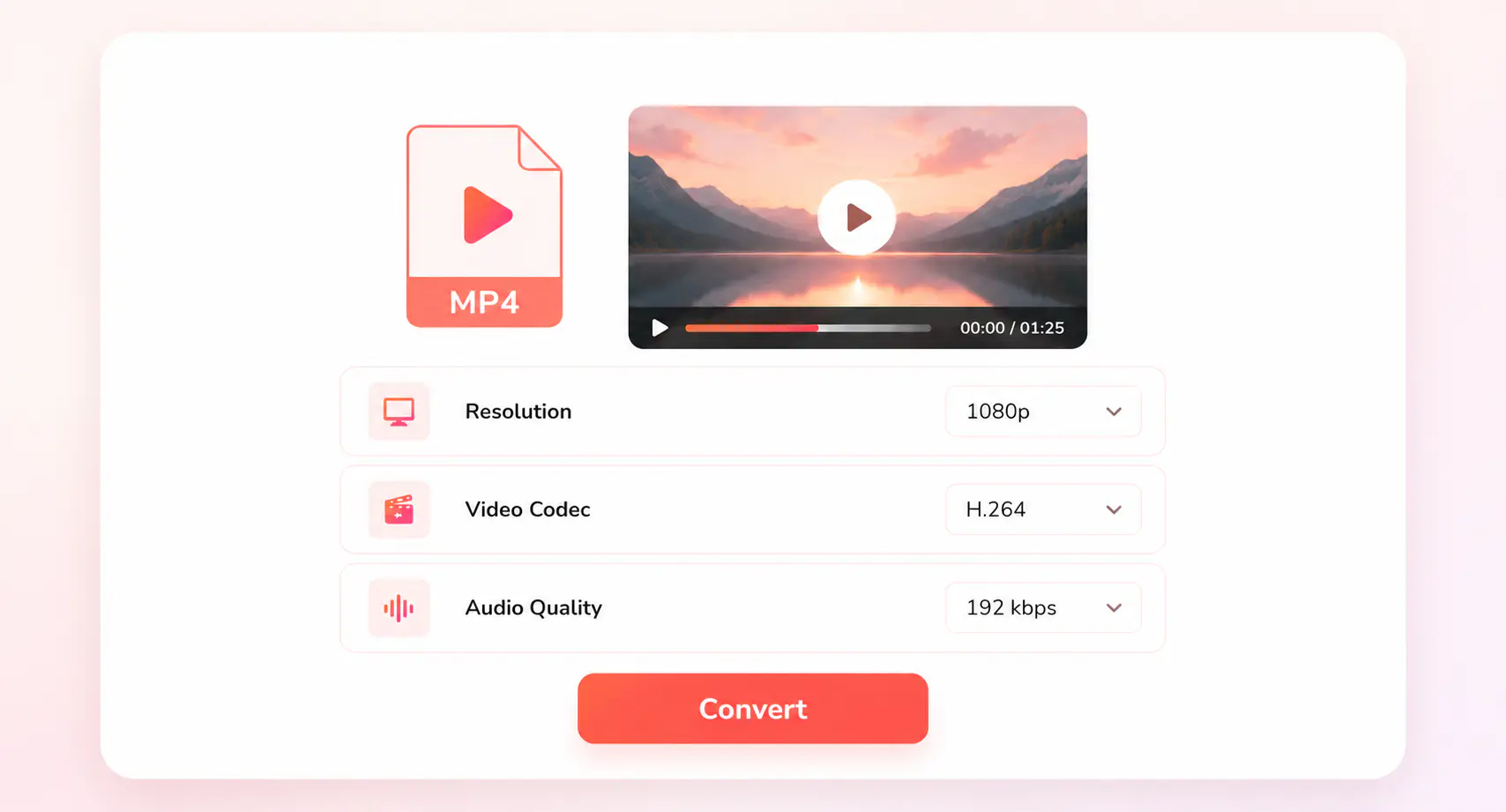
Keep MP4 as the output format, then choose resolution, video codec, and audio quality.
Run the conversion and save the finished MP4 copy when it is ready.
More MP4 Converters for Old or Hard-to-Open Files
Choose tools for DVD folders, VOB clips, camera files, and older videos that work better as MP4
Explore More MP4 Conversion SolutionsConvert More Than a Single VOB File
Handle DVD folders, large VOB segments, subtitles, audio tracks, and saved MP4 presets locally
FAQs about VOB to MP4 Converter
Quick answers about VOB files, DVD folders, and MP4 conversion
Can I convert VOB to MP4 online for free?
Yes. You can upload a VOB clip and convert it to MP4 online for free. It is best for single VOB files or shorter DVD video clips that you want to open, preview, edit, or share as a standard MP4.
What is a VOB file?
A VOB file is a DVD video file commonly found inside a VIDEO_TS folder. It may contain video, audio, subtitles, and DVD-related data, which is why a VOB file can be harder to use on phones, browsers, cloud services, or modern editing apps than an MP4 file.
Why are there multiple VOB files in a DVD folder?
A DVD video is often stored in a VIDEO_TS folder rather than a single VOB file. The movie may be split across several VOB segments, while other DVD data can control titles, chapters, subtitles, and audio tracks. You can convert a single VOB clip online, but for a full DVD folder or multiple VOB files, use the desktop version or the DVD to MP4 converter.
Can I merge several VOB files into one MP4?
For a few simple VOB clips, you may convert them one by one. If the files are part of the same DVD title, a desktop converter is safer because it can handle the DVD folder structure, segment order, audio tracks, and subtitles more reliably.
Will subtitles and audio tracks be kept when converting VOB to MP4?
A simple online conversion usually focuses on creating a playable MP4 file. If you need more control over subtitles, audio tracks, DVD chapters, or repeated export settings, use a desktop VOB to MP4 converter.
I am converting DVD/CD format video (.BUP, .IFO, .VOB) to .mp4, but there is no sound. Why?
This may turn out to be a Windows system issue. Some DVD/CD files are encoded in the AC-3 audio codec, and it is no longer supported in Windows 11. To solve this, you can download VLC Media Player or PotPlayer to play your converted videos.