


Turn the sound inside MP4, MOV, MKV, AVI, WebM, and other videos into a separate audio file. It is useful when you want to save a lesson, interview, meeting, music clip, narration, or screen recording as audio.
Video to Audio Converter Online
Extract audio from videos and save it as MP3, WAV, AAC, OGG, or FLAC.
- Extract audio from MP4, MOV, MKV, AVI, WebM, and more
- Convert videos to MP3, AAC, WAV, OGG, or FLAC
- Handle long videos and batch audio extraction on desktop
Use the desktop version to extract audio locally, process batches, and keep your preferred output settings ready.
Online Video to Audio Converter
Upload a video and extract its audio directly in your browser
Uploaded Video
-
Output Audio
MP3 Audio
Add a video to start audio extraction.
Converting
Preparing file...
Preparing audio extraction...
Extract Audio from Video in the Format You Need
Turn videos into audio files for music, lectures, interviews, voice notes, and playback
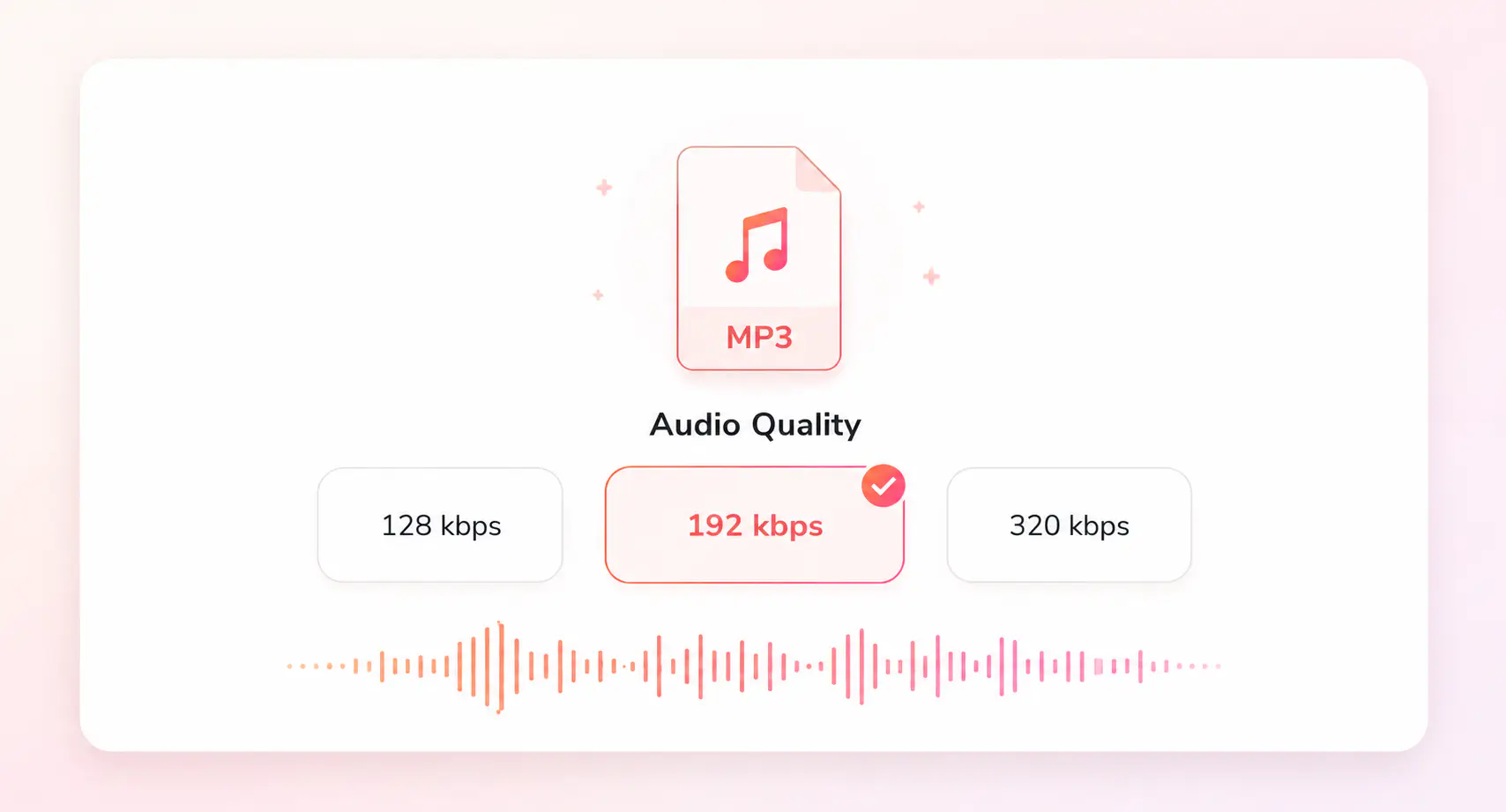
Save audio as MP3 for everyday listening, WAV for editing, FLAC for archiving more detail, or AAC and OGG for modern playback and web use. Choose the format based on where the audio will go next.
For long recordings, private videos, mixed-format folders, or repeated audio exports, Any Video Converter lets you extract audio locally, process batches, and reuse output settings on Windows or Mac.
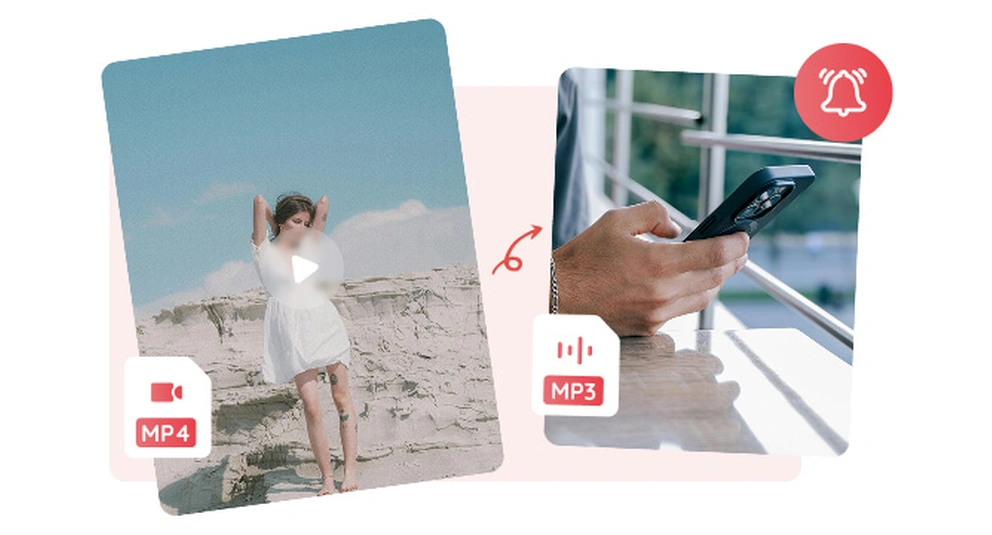
Video to Audio
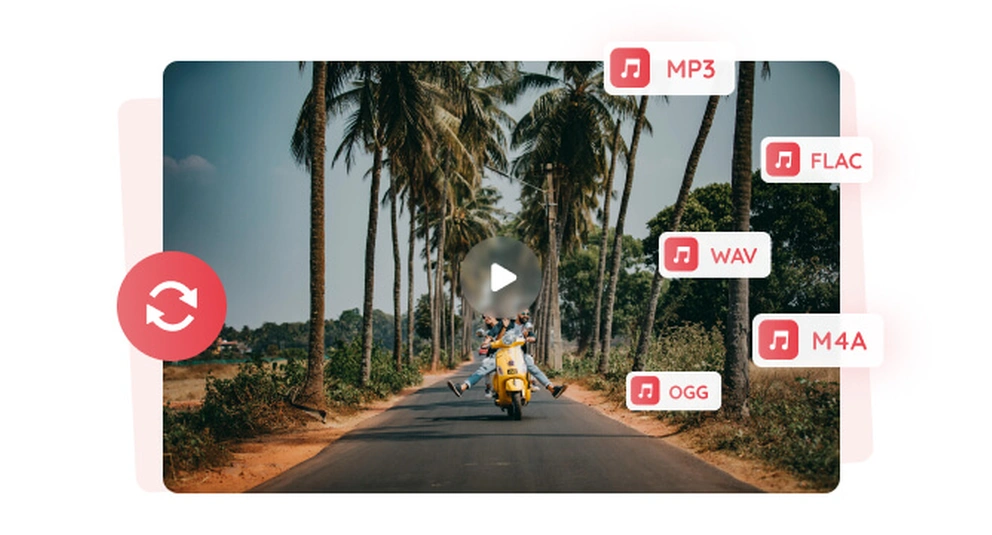
MP3, WAV, FLAC
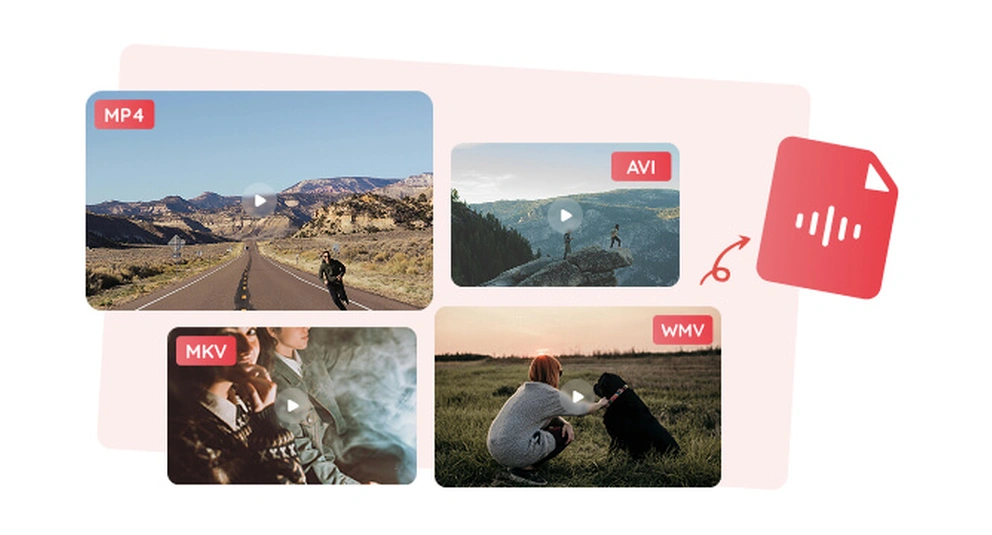
Batch Video to Audio
How to Convert Video to Audio Online
Click “Upload a Video” and add an MP4, MOV, MKV, AVI, WebM, or another supported video file.
Pick the audio format or quality you need for listening, sharing, editing, or archiving.
Start the conversion and save the extracted audio file when processing is complete.
More Video and Audio Converter Tools
Continue with related audio extraction and video format converters
Convert more videos to audio with Any Video Converter
Extract audio locally from long videos, mixed-format folders, and batch tasks with more control
FAQs about Video to Audio Converter
Quick answers about extracting audio from video
What is a video to audio converter used for?
A video to audio converter takes the sound from a video file and saves it as a separate audio file. It is useful when a lesson, interview, meeting, music clip, voice recording, or screen capture is more valuable as audio than as a full video.
Can I convert video to audio online for free?
Yes. You can convert video to audio online for free by uploading a video file, choosing an audio format, and downloading the extracted sound. It is a good fit for quick audio saves from common video files without installing software.
Which audio format should I choose?
Choose MP3 for everyday listening and easy sharing, WAV for editing, FLAC when you want to keep more audio detail, and AAC for smaller modern audio files. OGG can also be useful for web audio or projects where that format is supported.
When should I use a desktop video to audio converter?
For longer videos, mixed media folders, or audio projects you handle often, Any Video Converter gives you a local workspace to pull sound from videos, choose the right audio format, and process files in batches on Windows or Mac.