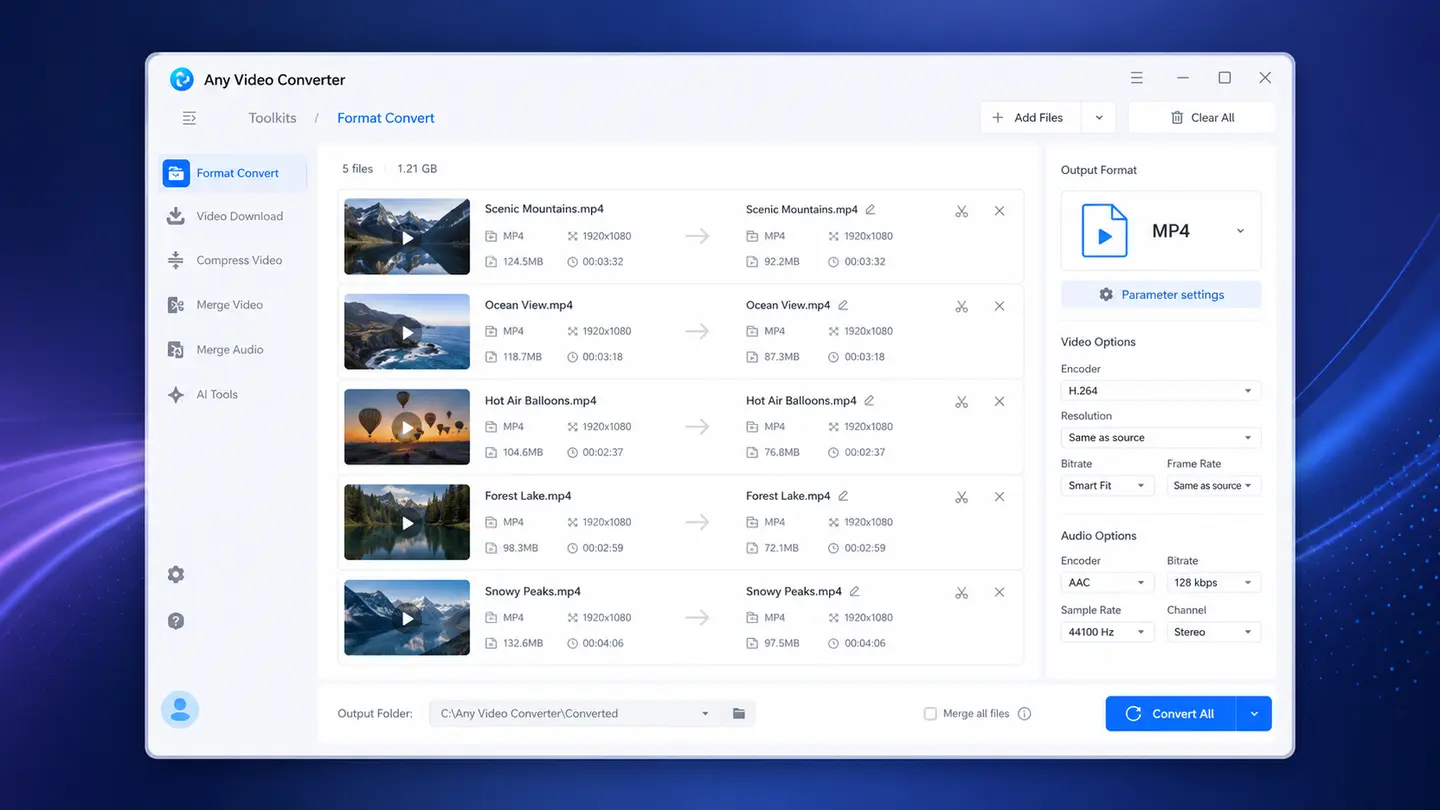
Batch Convert
 Batch Convert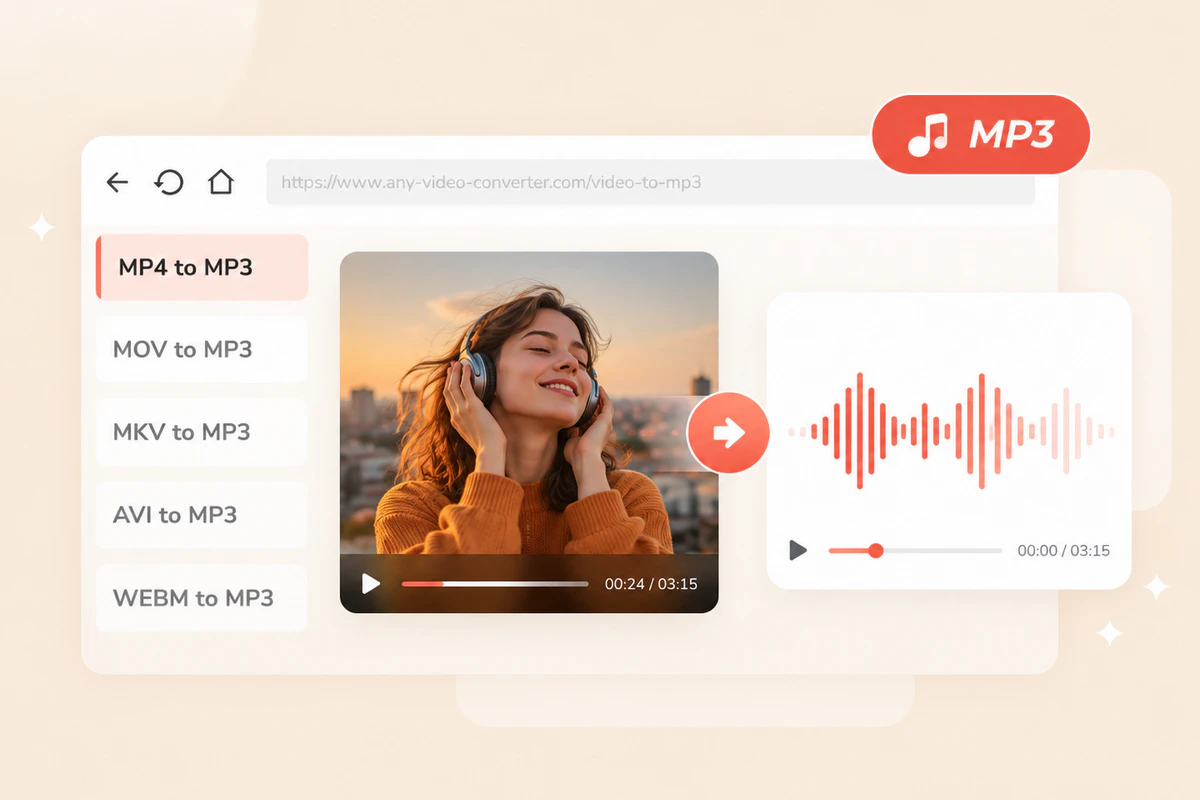
Convert Any Video to MP3
Convert a wide range of videos, including MP4, MKV, MOV, AVI, WebM, VOB, TRP, TS, and more, to high-quality MP3 for offline playback and easier sharing.
Learn MoreConvert video to MP3 online for free in seconds. Extract high-quality audio from any video
Extract audio from MP4, MOV, MKV, WebM, and other formats directly in your browser
Best for videos, lectures, podcasts, and music clips you want to turn into MP3
-
MP3 Audio
Add a video to start MP3 conversion
Preparing file...
Preparing conversion...
Convert any video to MP3 for offline listening on the go and for your workflow
Convert a wide range of videos, including MP4, MKV, MOV, AVI, WebM, VOB, TRP, TS, and more, to high-quality MP3 for offline playback and easier sharing.
Learn More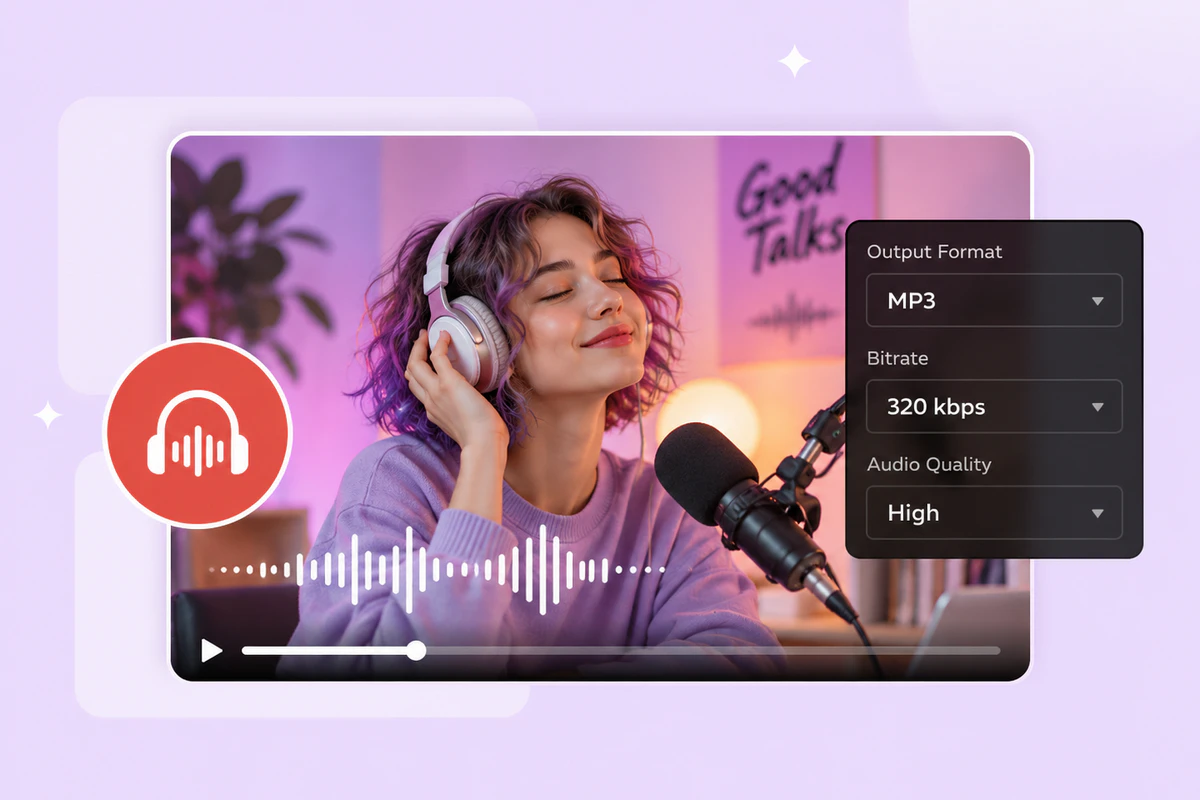
Extract high-quality audio from music videos, video recordings, conferences, interviews, podcasts, lectures, and other spoken content.
Learn More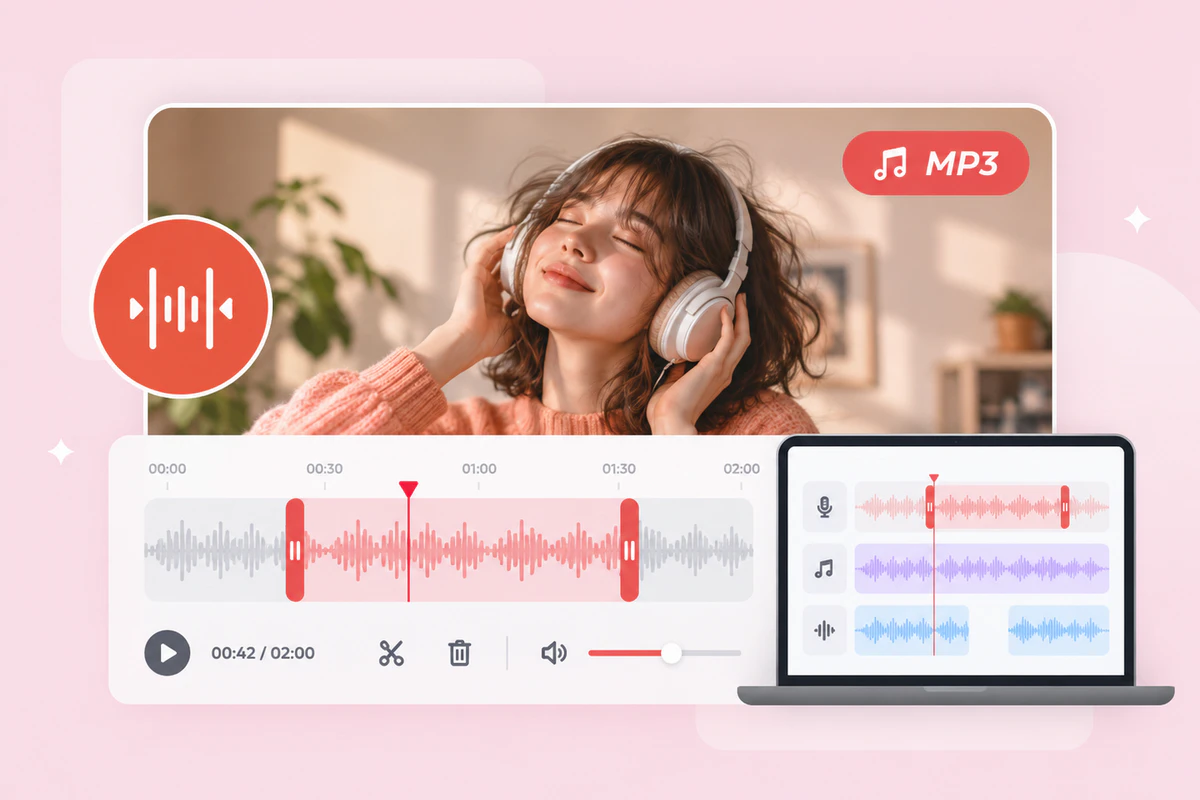
Extract audio from videos for further editing, including trimming, splitting, merging, vocal removal, and other creative workflows.
Learn MoreConvert single and short video clips to MP3 online. Try the desktop version for long-form video and batch conversion.
Best for casual users, for quick, single-file, and short-clip conversions.
Ideal for large-file, long-form videos, and batch conversions.
| Capability | Online | Desktop |
|---|---|---|
| Quick single-file conversion | ✓ | ✓ |
| Large-file conversion | Limited | ✓ |
| Batch conversion | Limited | ✓ |
| Audio settings | Basic | Advanced |
| Extract original audio | — | ✓ |
| Convert online videos to MP3 | — | ✓ |
| Fast Conversion mode | — | 130x |
| Audio editing tools | — | ✓ |
| AI audio tools | — | ✓ |
Convert common video formats to MP3 with dedicated MP3 converters
Extract audio from a video and convert it to MP3 in seconds

Upload a video that you want to convert to MP3.
Choose the output audio quality as 128 kbps, 192 kbps, or 320 kbps.

Click Convert to MP3 to start conversion. Once the MP3 file is ready, download and save it to your device.
All-in-one toolkit to download, convert, and edit your MP3 files
If you have any questions about converting video to MP3, find the quick answers below
A video to MP3 converter is used to extract the audio from a video and save it as an MP3 file. It is helpful when you only need the sound from music videos, lectures, interviews, podcasts, voice clips, or other video files.
Yes. You can upload a video and convert it to MP3 online for free directly in your browser. This video to MP3 converter lets you convert as many videos as you want, with no daily limits.
This video to MP3 converter supports a wide range of video formats, including MP4, MOV, M4V, MKV, AVI, WebM, MPEG, MPG, WMV, FLV, TS, M2TS, and more. You can convert most non-DRM-protected video files to MP3 with broad format compatibility.
This online video-to-MP3 converter lets you convert videos to MP3 at 128 kbps, 192 kbps, and 320 kbps, which may affect the audio quality more or less. If you want to keep the original audio quality, you can use the desktop version and choose the Auto (Match Source) mode to copy the original track.
The online version can only convert your local videos to MP3. But you can use its desktop version to convert videos from YouTube and other platforms to MP3.
Start with online for quick, short, and single-clip conversion. Download the desktop version of Any Video Converter for high-volume and batch conversions.