avc logo

Any Video Converter Pro

Professional video converter & unlock record video, burn DVD

  • Unrestricted video conversion to 4K/8K MP4 and 1000+ formats
  • Dedicated preset and custom modes save professional settings
  • High-quality screen recorder easily captures videos in HD/4K
  • Burn videos to DVD with customizable templates and menus
  • More practical and professional tools await you to unlock
checkbox iconFASTER
checkbox iconCUSTOM
checkbox iconPRESET
checkbox iconLOSSLESS
apple iconSwitch to Mac Version
windows iconSwitch to Windows Version
any video converter pro top banner for pc
any video converter pro top banner for mobile

What Can You Get from Any Video Converter Pro

Unlock screen recorder, DVD burner, and more professional tools tailored to you

cross files cross files

Freely Convert Media Files to Different Formats

It can not only batch convert videos to videos and audio to audio but also perform cross-file conversion between videos and audio, allowing for flexible file processing.
tailored preset tailored preset

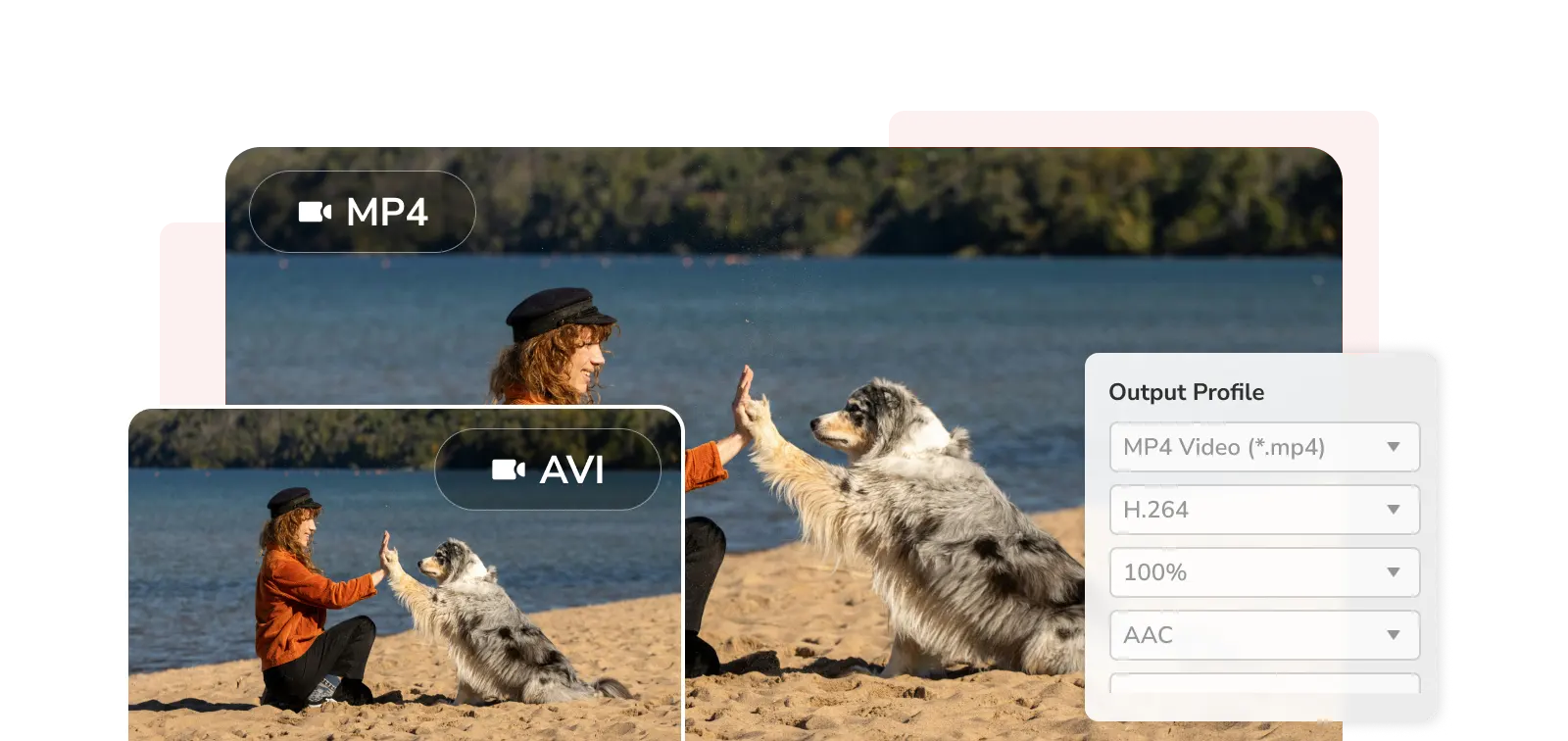
Create and Save Fixed Settings

Save commonly used formats, resolutions, bitrates, and other parameters as presets for easy selection next time, eliminating the need for repeated settings.
custom mode custom mode

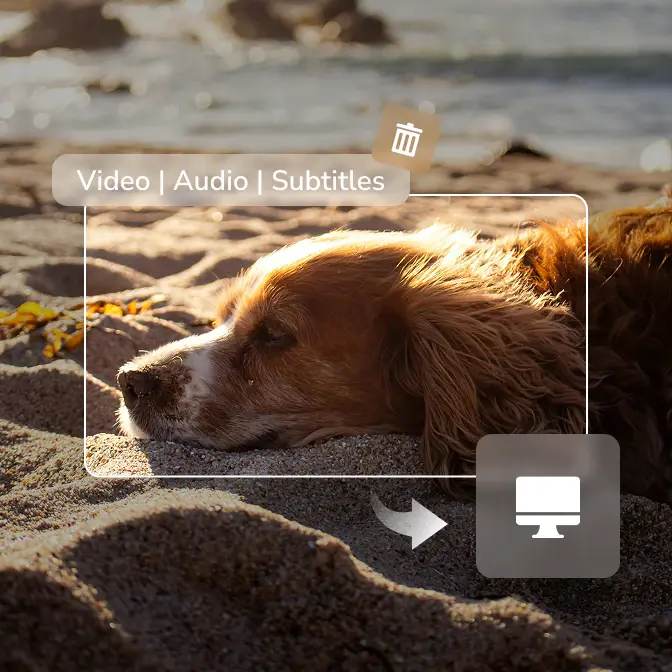
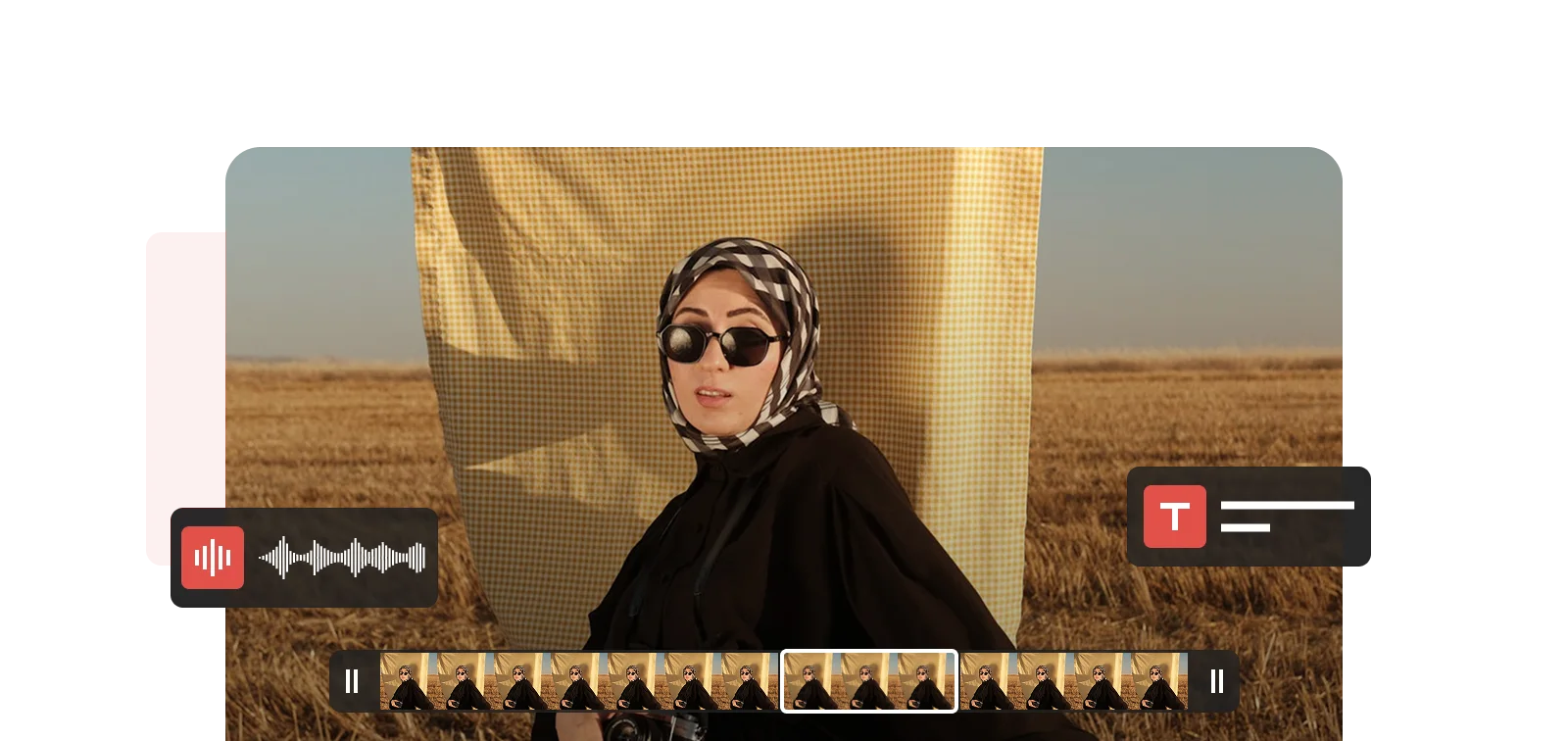
Custom Subtitle and Track Extraction

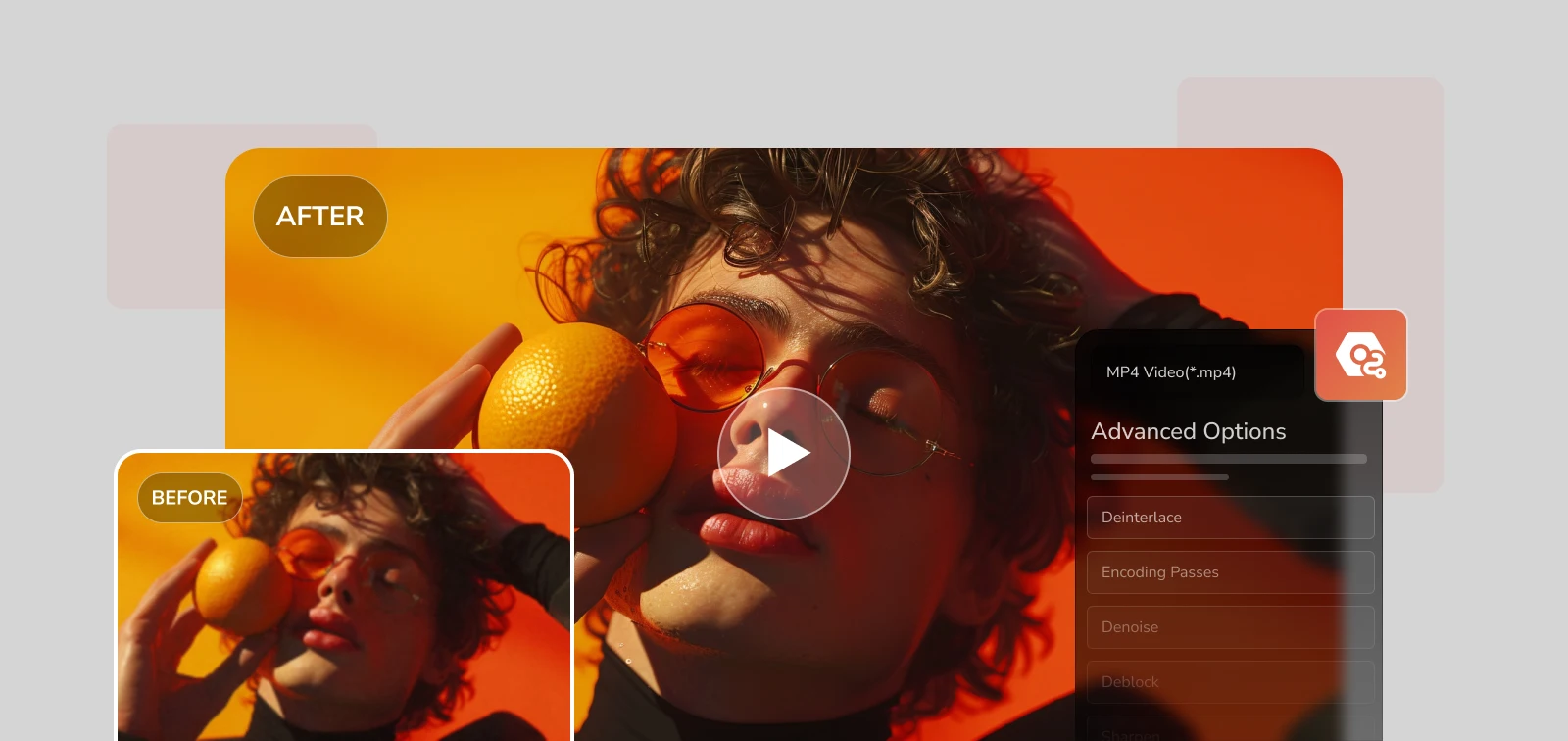
It can extract specific audio tracks or video streams from videos, accurately identify the languages ​​in videos, and export subtitle files in multiple languages.

extra tools extra tools

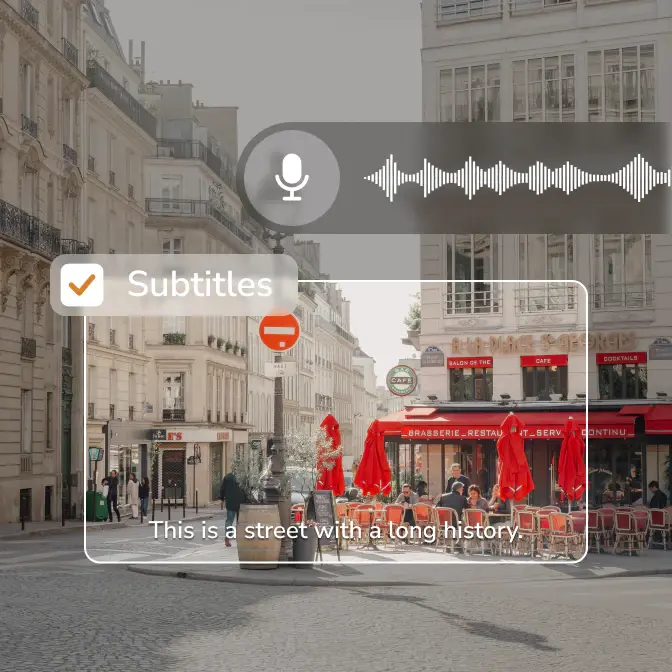
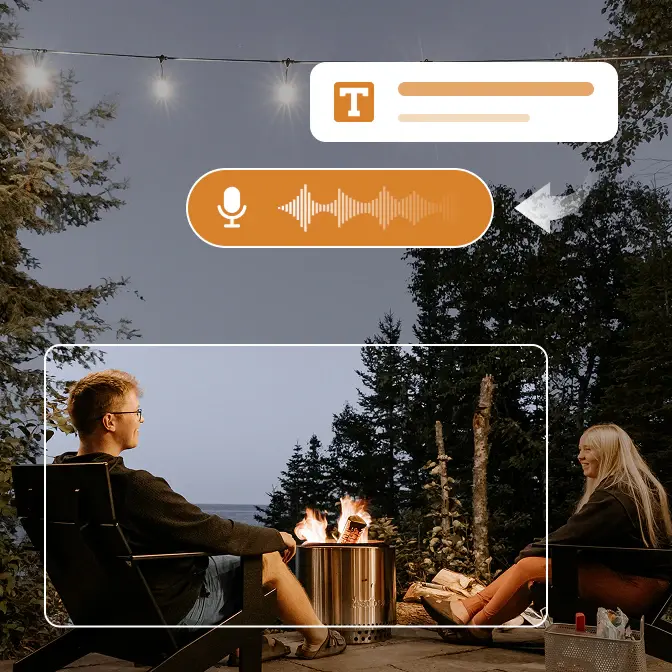
Convert Speech to Text in Multi-Language

It can recognize and convert speech content in multiple languages, making it suitable for meeting minutes, class notes, video subtitles, and content archiving.

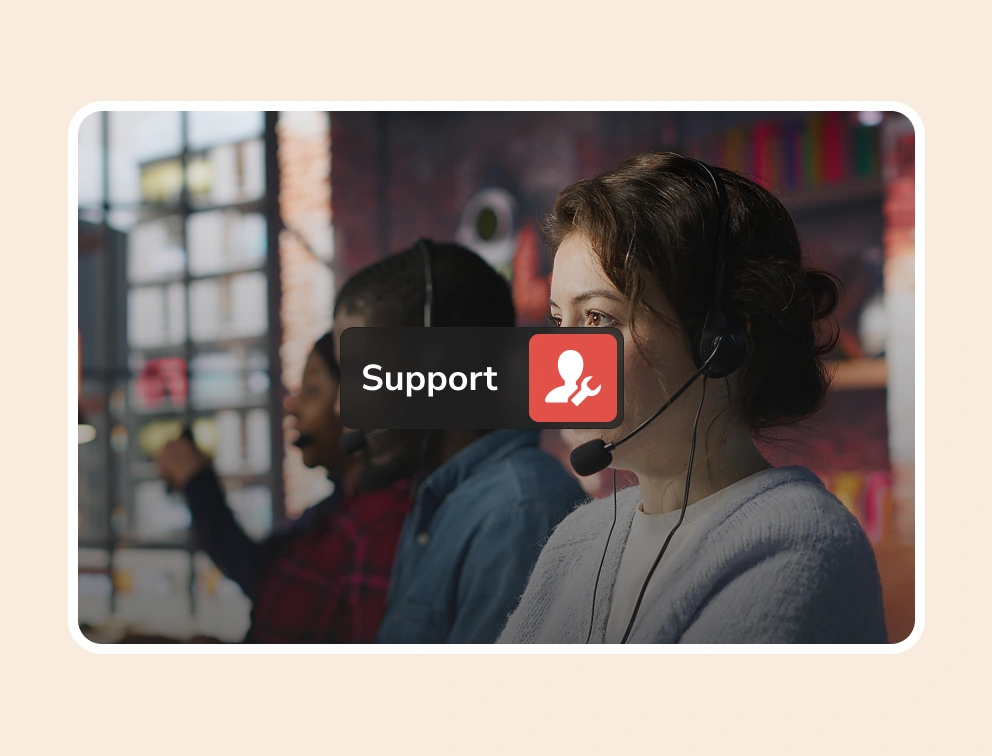
vip support vip support

Priority Support Over Free Users

To meet the high efficiency requirements of professional users, we offer dedicated customer support to ensure your issues receive immediate responses, minimizing waiting time and guaranteeing smooth workflow.
Value-Packed Features for Professional Video Editing

A decent, practical, and cost-effective video converter

Screen Record: Store in HD/4K

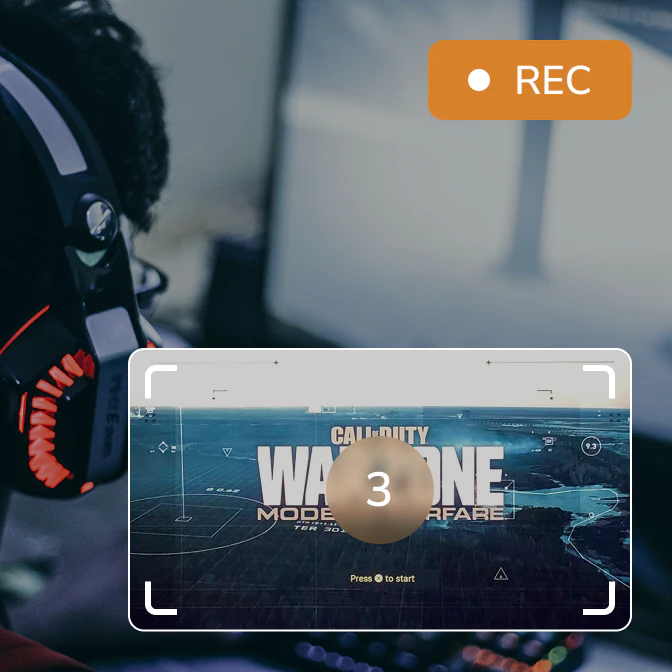
You can select any screen area to record in HD/4K, even with multiple screens, ensuring that every frame is clear and smooth, easily capturing HD to 4K UHD content.

screen record

Rip DVD: Convert DVD to MP4

Quickly convert DVD/ISO files to MP4 and other universal formats, making it easy to watch old videos anytime on modern computers, mobile phones, or tablets, and permanently store precious records on hard drives, cloud drives, or NAS systems.

rip dvd

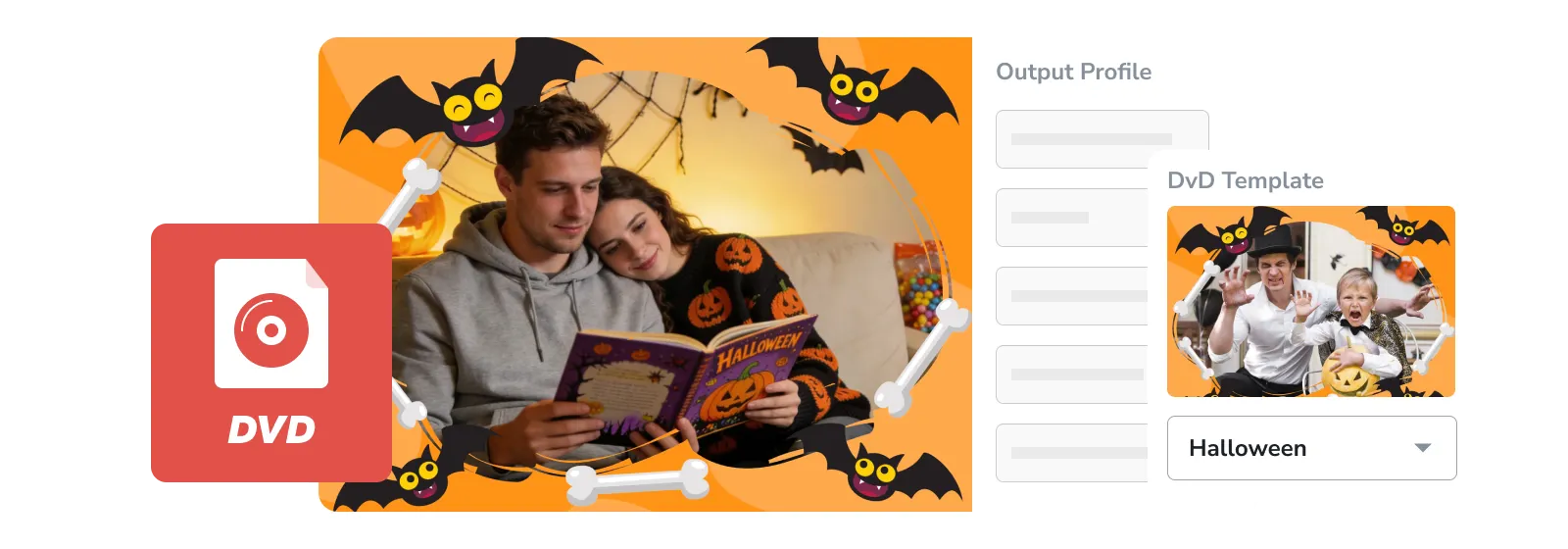
Burn DVD: Customize DVD Burning

A wealth of DVD menus and templates allow you to freely design your own DVD interface and create personalized discs that can be played directly on car players, home DVD players, conference projectors, and traditional DVD players.

burn dvd

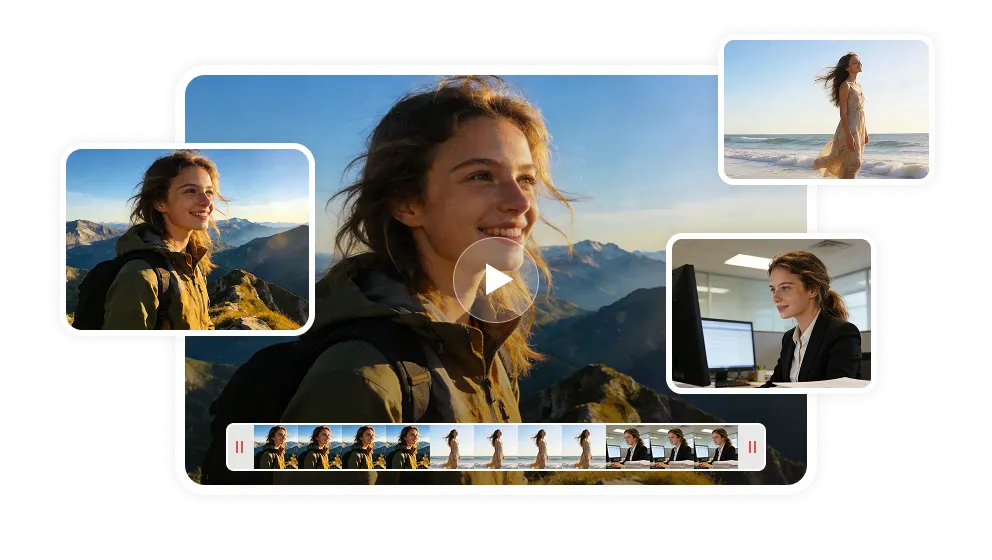
Merge Video: Turn Clips to Long

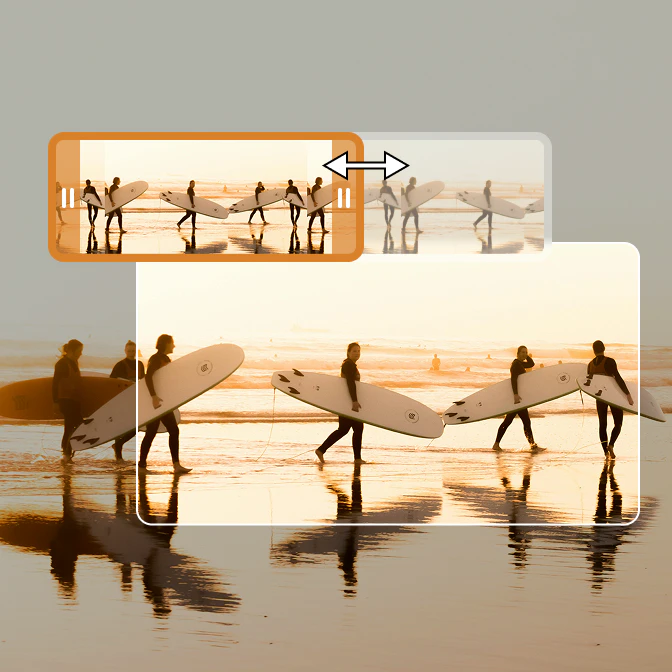
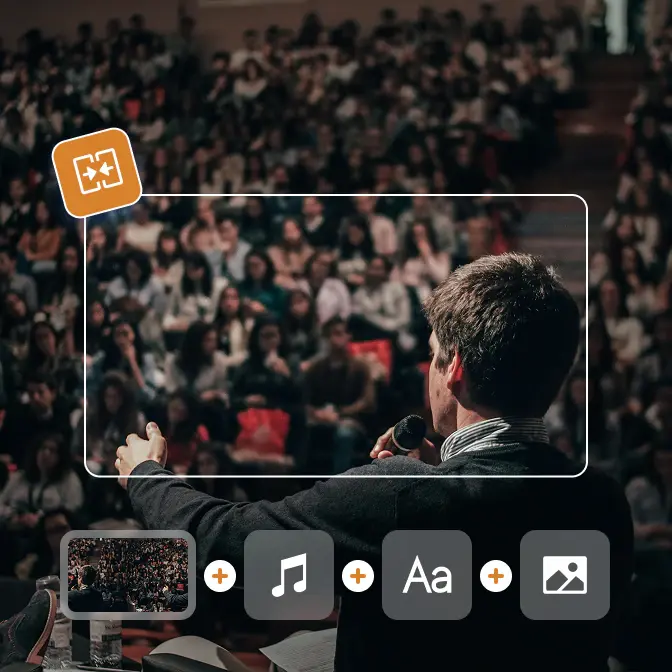
Merge video content from different times, places, and scenes, connecting scattered short videos into a complete and captivating work.

merge video

All-in-One Any Media File Converter

Process, enhance, and edit your media

Editing Tools
AI Tools

What's New in Any Video Converter Pro

Recent and latest update regarding Any Video Converter Pro

any video converter v9.1.6 updated

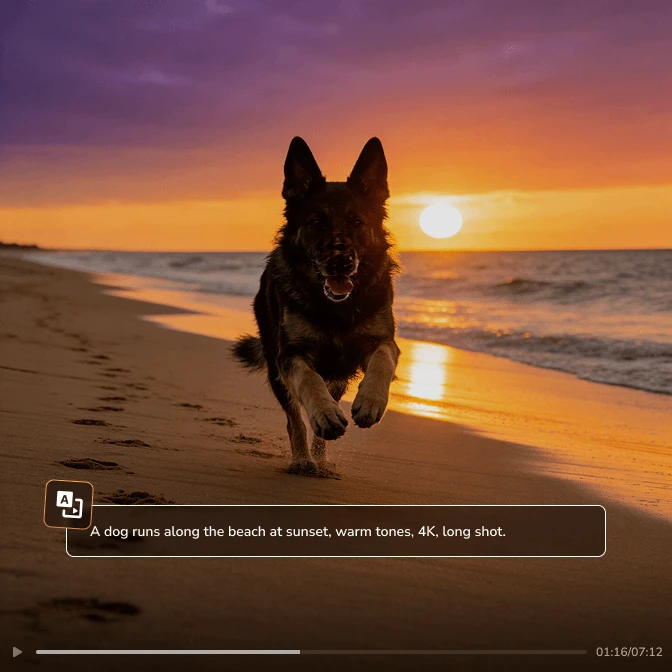
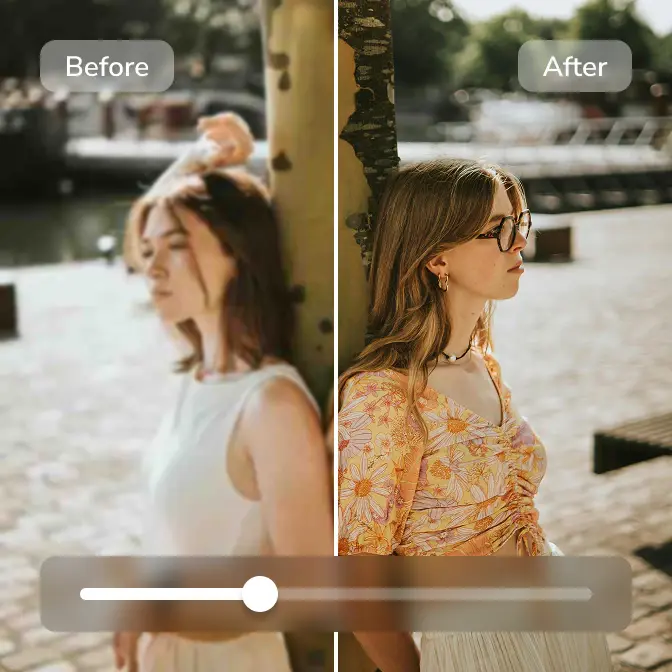
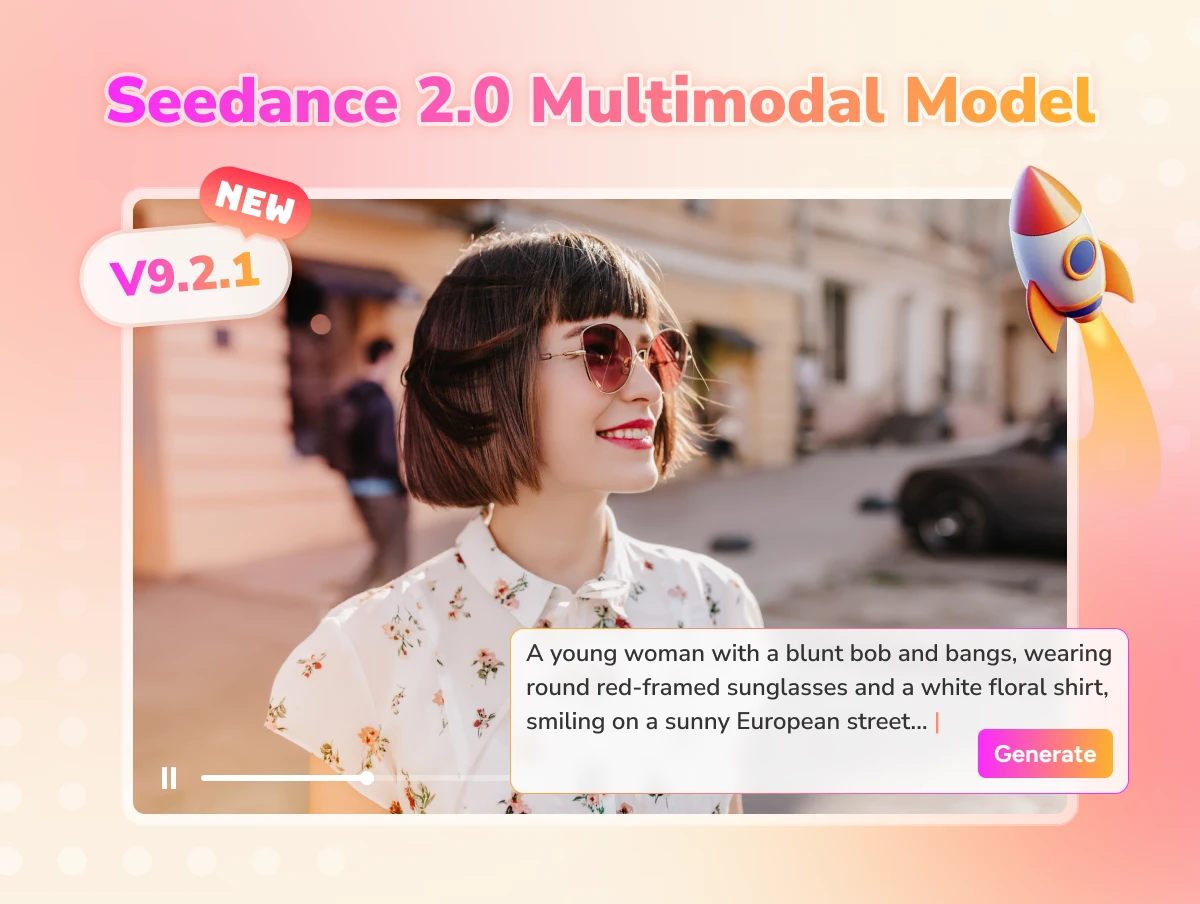
Artistic & Automatic AI Generative Tools

any video converter v9.1.5 updated

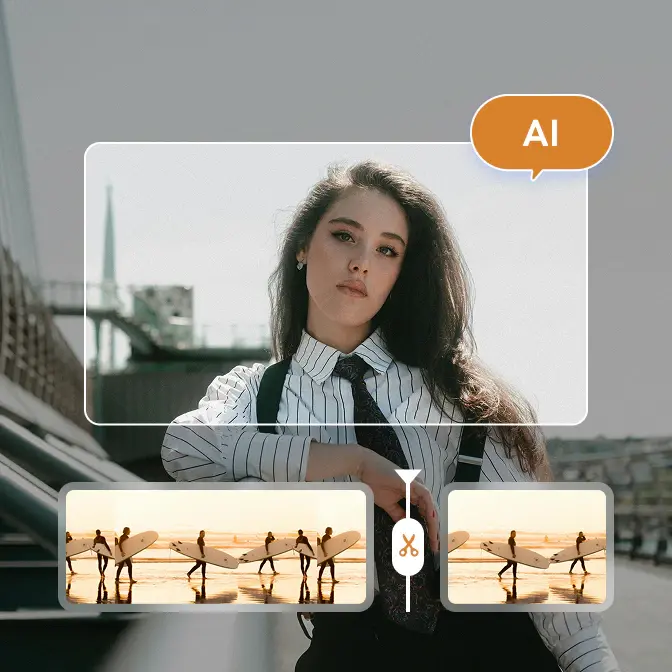
Timeline Editing in Trimming and Merging

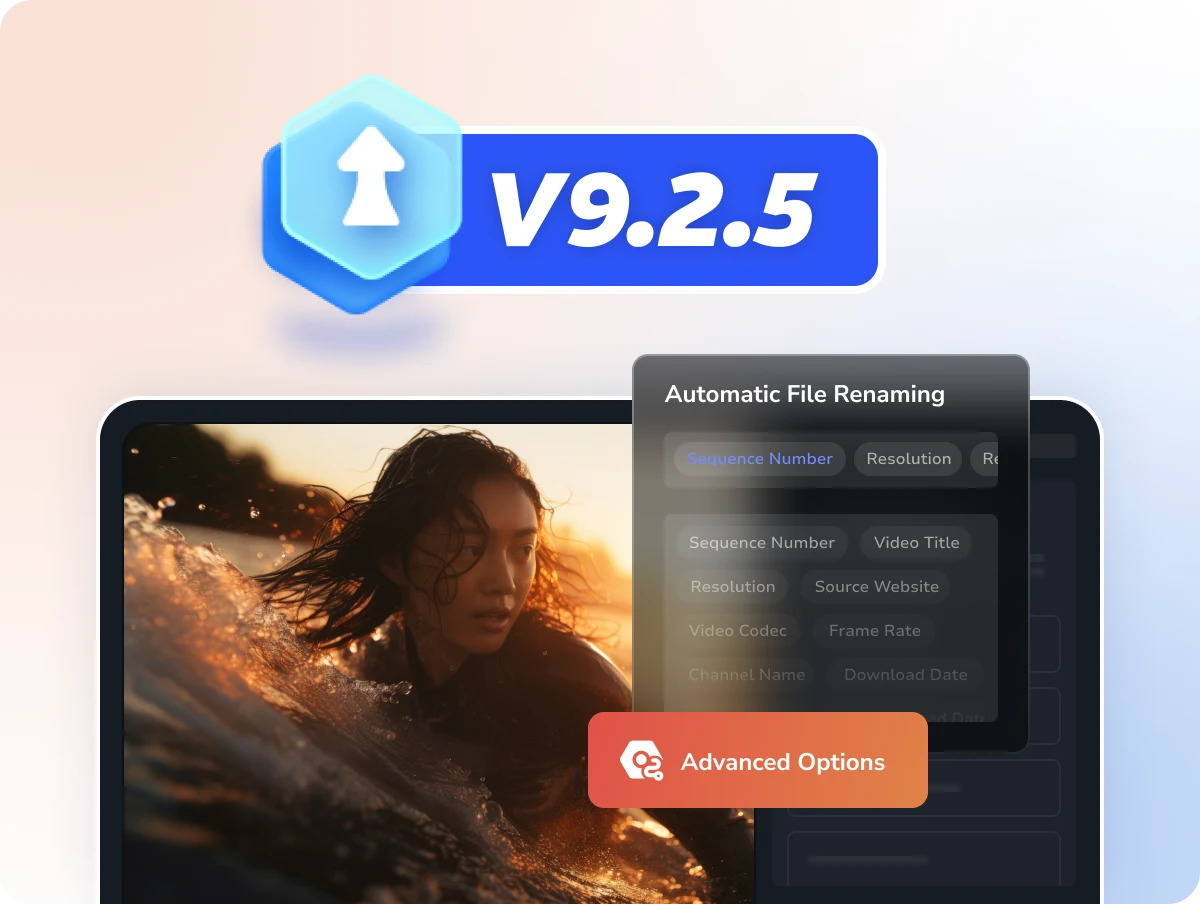
  • Introduced timeline editing in trimming and merging.
  • Refined crop tool for smoother interaction.
  • Smarter playlist downloads: choose a single file or a full list.
  • Added MP4 (H.264) download for wider compatibility.
  • Improved download tool success rate.
any video converter v9.1.4 updated

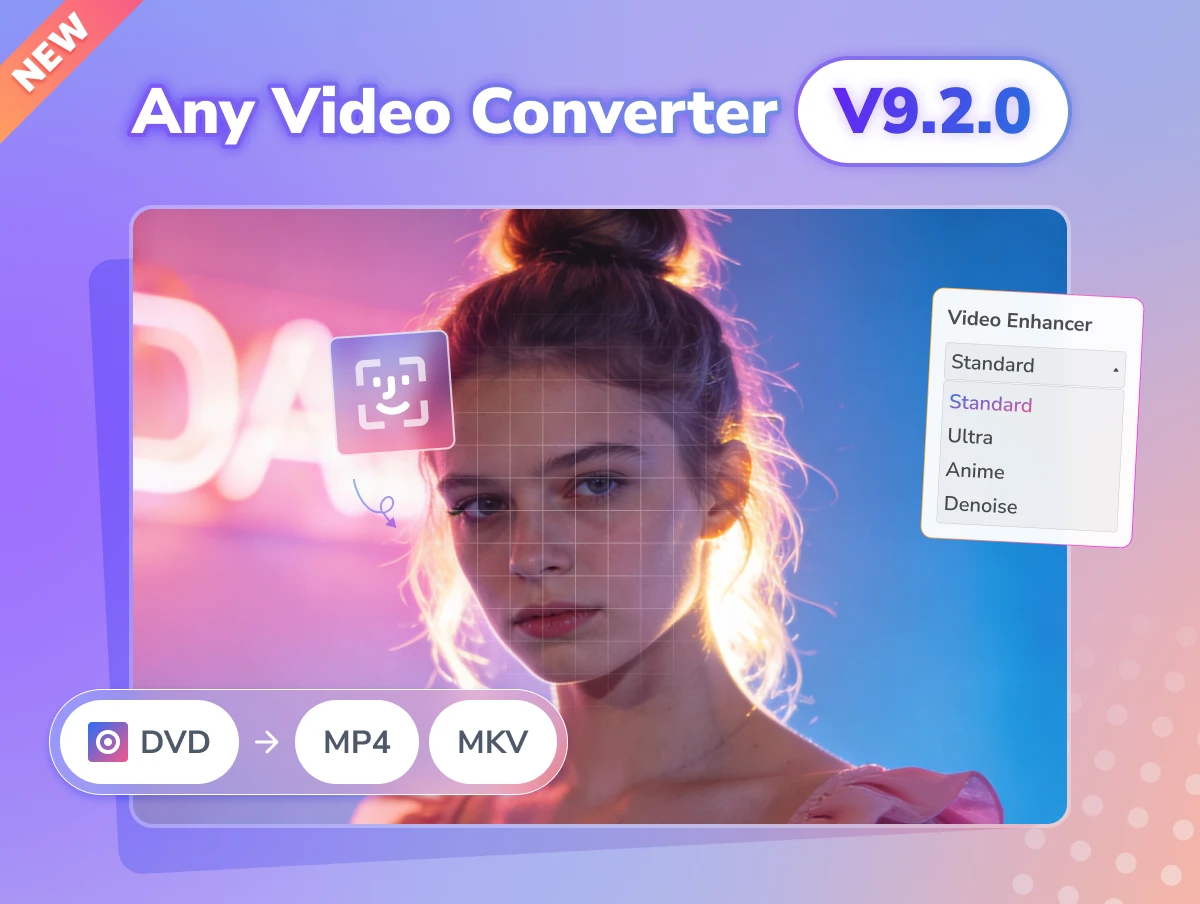
Support AI Video Enhancer

  • Add the AI video enhancer tool in the Ultimate version.
  • Improve the video download success rate.
  • Optimize the task queue for a better experience.
  • Fix some bugs.
any video converter v9.1.3 updated

Support the Built-in Web Browser

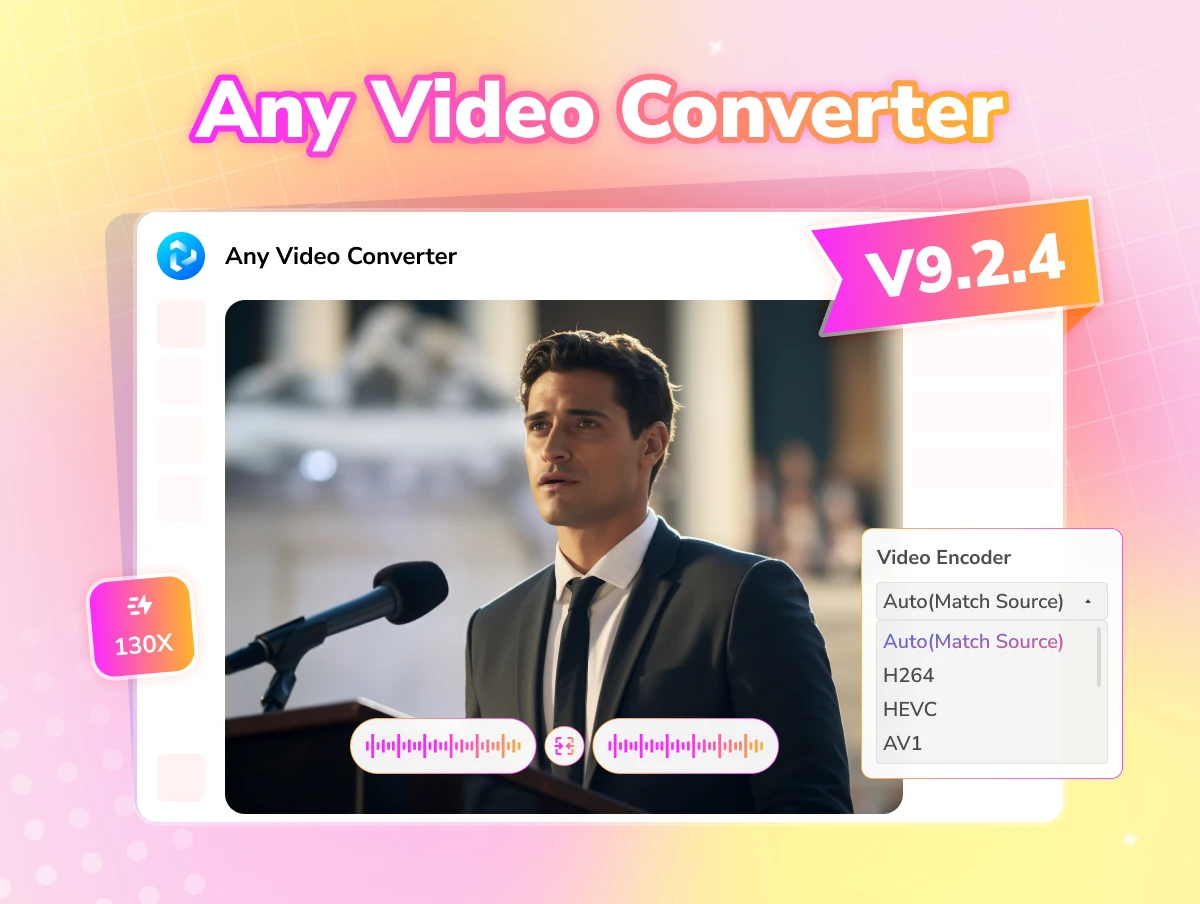
  • Support built-in browser and searching videos.
  • Add AV1 encoding support for video compression.
  • Other bug fixes and performance optimization.

Free vs. Pro. vs. Ultimate of Any Video Converter

Select the right version tailored to your needs

Monthly
Annual
Permanent
icon free

Free

  • icon checkboxUnlimited video downloads
  • icon checkbox1000+ formats conversion
  • icon checkboxUnlimited video compression
  • icon checkboxBasic video editing tools
  • icon lockSave custom settings as presets
  • icon lockSave videos in your preferred format
  • icon lockAdvanced 'Custom' download mode
  • icon lockCurate your audio and subtitles
  • icon lockRecord screen in HD and 4K quality
  • icon lockBurn videos to DVD with templates
  • icon lockParallel power downloads
  • icon lockBonus credits for AI creation
  • icon lockImprove video quality with AI
  • icon lockAuto-transcribe media to text
  • icon lockSplit vocal & instrumental
icon ultimate

Ultimate

  • icon checkboxUnlimited video downloads
  • icon checkbox1000+ formats conversion
  • icon checkboxUnlimited video compression
  • icon checkboxBasic video editing tools
  • icon checkboxSave custom settings as presets
  • icon checkboxSave videos in your preferred format
  • icon checkboxAdvanced 'Custom' download mode
  • icon checkboxCurate your audio and subtitles
  • icon checkboxRecord screen in HD and 4K quality
  • icon checkboxBurn videos to DVD with templates
  • icon starParallel power downloads
  • icon star300 bonus credits for AI creation
  • icon starImprove video quality with AI
  • icon starAuto-transcribe media to text
  • icon starSplit vocal & instrumental
icon free

Pro.

  • icon checkboxUnlimited video downloads
  • icon checkbox1000+ formats conversion
  • icon checkboxUnlimited video compression
  • icon checkboxBasic video editing tools
  • icon checkboxSave custom settings as presets
  • icon checkboxSave videos in your preferred format
  • icon checkboxAdvanced 'Custom' download mode
  • icon checkboxCurate your audio and subtitles
  • icon checkboxRecord screen in HD and 4K quality
  • icon checkboxBurn videos to DVD with templates
  • icon lockParallel power downloads
  • icon lockBonus credits for AI creation
  • icon lockImprove video quality with AI
  • icon lockAuto-transcribe media to text
  • icon lockSplit vocal & instrumental
icon free

Free

  • icon checkboxUnlimited video downloads
  • icon checkbox1000+ formats conversion
  • icon checkboxUnlimited video compression
  • icon checkboxBasic video editing tools
  • icon lockSave custom settings as presets
  • icon lockSave videos in your preferred format
  • icon lockAdvanced 'Custom' download mode
  • icon lockCurate your audio and subtitles
  • icon lockRecord screen in HD and 4K quality
  • icon lockBurn videos to DVD with templates
  • icon lockParallel power downloads
  • icon lockBonus credits for AI creation
  • icon lockImprove video quality with AI
  • icon lockAuto-transcribe media to text
  • icon lockSplit vocal & instrumental
icon ultimate

Ultimate

  • icon checkboxUnlimited video downloads
  • icon checkbox1000+ formats conversion
  • icon checkboxUnlimited video compression
  • icon checkboxBasic video editing tools
  • icon checkboxSave custom settings as presets
  • icon checkboxSave videos in your preferred format
  • icon checkboxAdvanced 'Custom' download mode
  • icon checkboxCurate your audio and subtitles
  • icon checkboxRecord screen in HD and 4K quality
  • icon checkboxBurn videos to DVD with templates
  • icon starParallel power downloads
  • icon star600 bonus credits for AI creation
  • icon starImprove video quality with AI
  • icon starAuto-transcribe media to text
  • icon starSplit vocal & instrumental
$59.95 / $69.95
Upgrade Now Upgrade Now
$10 OFF
icon pro

Pro.

  • icon checkboxUnlimited video downloads
  • icon checkbox1000+ formats conversion
  • icon checkboxUnlimited video compression
  • icon checkboxBasic video editing tools
  • icon checkboxSave custom settings as presets
  • icon checkboxSave videos in your preferred format
  • icon checkboxAdvanced 'Custom' download mode
  • icon checkboxCurate your audio and subtitles
  • icon checkboxRecord screen in HD and 4K quality
  • icon checkboxBurn videos to DVD with templates
  • icon lockParallel power downloads
  • icon lockBonus credits for AI creation
  • icon lockImprove video quality with AI
  • icon lockAuto-transcribe media to text
  • icon lockSplit vocal & instrumental
icon free

Free

  • icon checkboxUnlimited video downloads
  • icon checkbox1000+ formats conversion
  • icon checkboxUnlimited video compression
  • icon checkboxBasic video editing tools
  • icon lockSave custom settings as presets
  • icon lockSave videos in your preferred format
  • icon lockAdvanced 'Custom' download mode
  • icon lockCurate your audio and subtitles
  • icon lockRecord screen in HD and 4K quality
  • icon lockBurn videos to DVD with templates
  • icon lockParallel power downloads
  • icon lockBonus credits for AI creation
  • icon lockImprove video quality with AI
  • icon lockAuto-transcribe media to text
  • icon lockSplit vocal & instrumental
icon ultimate

Ultimate

  • icon checkboxUnlimited video downloads
  • icon checkbox1000+ formats conversion
  • icon checkboxUnlimited video compression
  • icon checkboxBasic video editing tools
  • icon checkboxSave custom settings as presets
  • icon checkboxSave videos in your preferred format
  • icon checkboxAdvanced 'Custom' download mode
  • icon checkboxCurate your audio and subtitles
  • icon checkboxRecord screen in HD and 4K quality
  • icon checkboxBurn videos to DVD with templates
  • icon starParallel power downloads
  • icon star700 bonus credits for AI creation
  • icon starImprove video quality with AI
  • icon starAuto-transcribe media to text
  • icon starSplit vocal & instrumental
$69.95 / $89.95
Upgrade Now Upgrade Now
$20 OFF
icon pro

Pro.

  • icon checkboxUnlimited video downloads
  • icon checkbox1000+ formats conversion
  • icon checkboxUnlimited video compression
  • icon checkboxBasic video editing tools
  • icon checkboxSave custom settings as presets
  • icon checkboxSave videos in your preferred format
  • icon checkboxAdvanced 'Custom' download mode
  • icon checkboxCurate your audio and subtitles
  • icon checkboxRecord screen in HD and 4K quality
  • icon checkboxBurn videos to DVD with templates
  • icon lockParallel power downloads
  • icon lockBonus credits for AI creation
  • icon lockImprove video quality with AI
  • icon lockAuto-transcribe media to text
  • icon lockSplit vocal & instrumental
$49.95 / $79.95
Upgrade Now Upgrade Now
$30 OFF

Why Any Video Converter Pro Should be Your Choice

icon professional level
Professional Level

Advanced parameter adjustments and multitrack editing meet professional needs.

icon high quality output
High-Quality Output

Provide professional-grade video processing to ensure clear output quality and optimized format.

icon high compatibility
High Compatibility

Support 1000+ audio and video formats and is compatible with various devices.

icon free update
Free Update

A single purchase grants continuous access to the latest features and format support.

icon less cpu usage
Less CPU Usage

To minimize system load and avoid downtime during the conversion process.

icon trusted worldwide
Trusted Worldwide

Its safe and stable conversion experience has made it the preferred tool for millions of users worldwide.

How to Unlock the Preset Button in Any Video Converter Pro

Save your commonly used formats and parameters

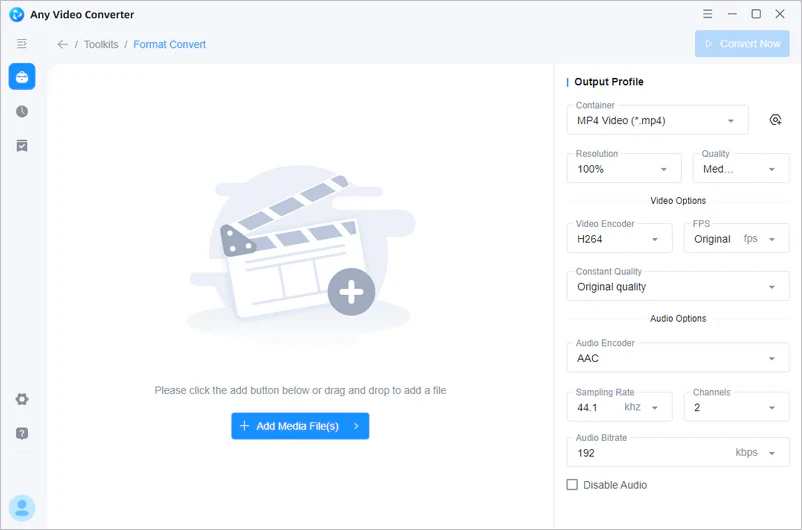
Step 1

Navigate to "Format Convert"

Open the "Format Convert" tool in Any Video Converter and upload your media files.

add video files to any video converter

Open the "Format Convert" tool in Any Video Converter and upload your media files.

add video files to any video converter

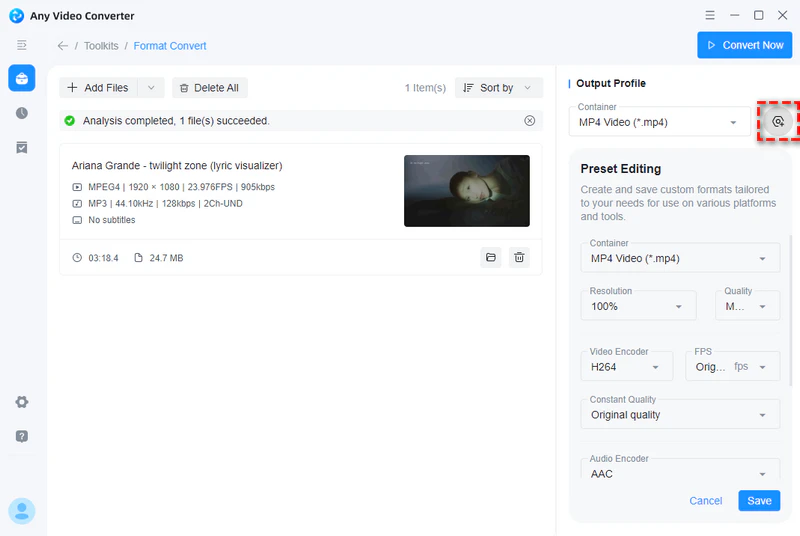
Step 2

Open Preset Menu

There is a preset button next to "Container". Click it to open the menu. You can preset your commonly used conversion formats, quality, encoding formats, etc. Remember to click the "Save" button to save your preset.

unlock preset

There is a preset button next to "Container". Click it to open the menu. You can preset your commonly used conversion formats, quality, encoding formats, etc. Remember to click the "Save" button to save your preset.

unlock preset

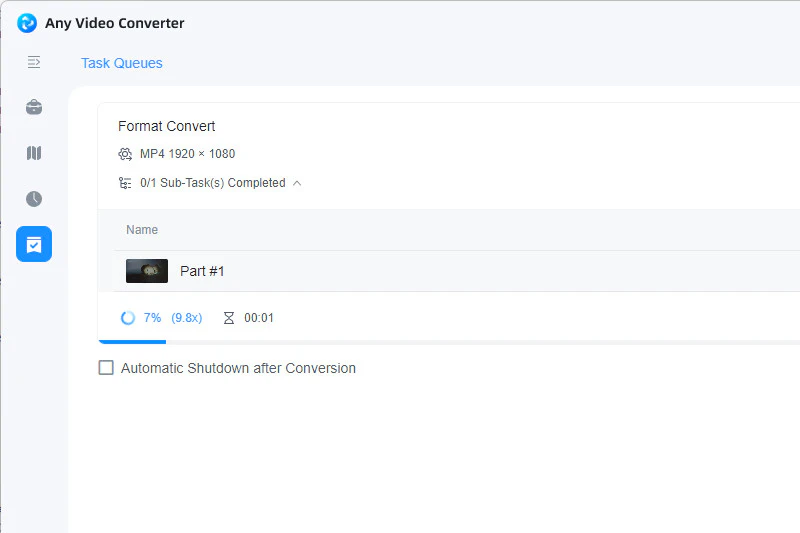
Step 3

Start the Conversion

After saving the preset, you can view and select it in the "container" when converting media files in the future. Click "Convert Now" to start the conversion task.

convert video to mp4 using preset

After saving the preset, you can view and select it in the "container" when converting media files in the future. Click "Convert Now" to start the conversion task.

convert video to mp4 using preset

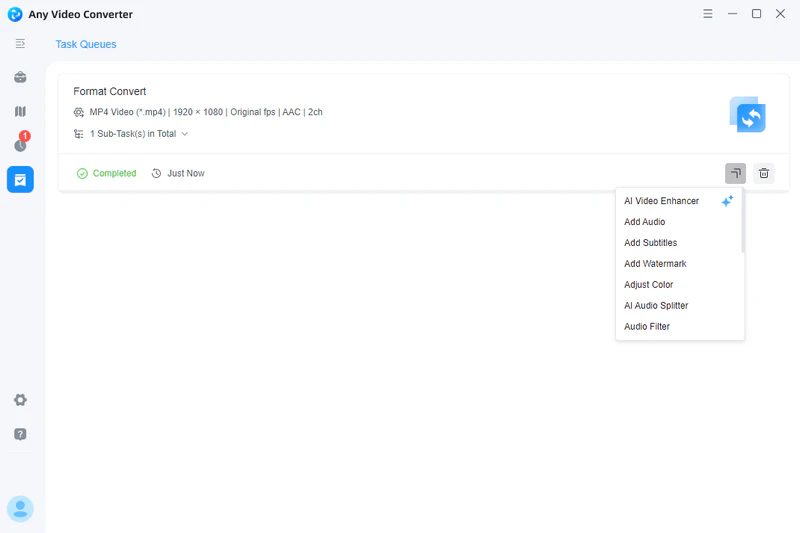
Step 4

Further Editing

After the conversion task is completed, click the "More Tools" button to directly jump to more professional tools such as the merge tool and speech to text.

further editing

After the conversion task is completed, click the "More Tools" button to directly jump to more professional tools such as the merge tool and speech to text.

further editing

Reviews from Around the World

Why is Any Video Converter good

Conversion options allow you to decide the output format, quality, and size of the video. There are many preset formats to choose from. In my experience the program has been very stable.

user avater 24
Brent Rawlings
five star

I also appreciate the built-in editing tools that allow for trimming and adjusting audio files before conversion. This feature has come in handy when I wanted to create custom ringtones or remove unwanted sections from songs.

user avater 26
Levi Nataa
five star

Overall, Any Video Converter is a standout choice in the realm of video conversion software. Its combination of speed, quality, and features makes it a valuable tool for anyone needing reliable and efficient video conversion.

user avater 27
Roger Estala
five star

Any Video Converter Pro is a fantastic tool for anyone looking to convert videos with ease, flexibility, and speed. Whether you’re a casual user wanting to watch your favorite clips on different devices or a professional needing high-quality output, this software delivers on all fronts.

user avater 22
Thomas
five star

Best product and customer service. I have used the product with satisfaction for years, and when I had a recent issue, their customer service could not have been faster and more professional. I highly recommend their product.

user avater 23
John Kemp III
five star

Any Video Converter Professional is fantastic!! It has been a great tool for changing movie formats and saving videos. Being a user of AVC for many years, I won't consider using any other program. Great job!

user avater 25
Sammanthurai
five star
Excellent 4.8 star 4.8 on green star icon trustpilot
Also Trusty by Medias: logo teachradar logo cnet logo sourceforge logo wikipedia

Do It All with Precision, All in One Program

Convert, enhance, compress, record, and edit your media files seamlessly

FAQs about Any Video Converter Pro

Which is the best all-in-one video converter and editor for beginners and professionals?

There is no doubt that Any Video Converter Pro is the best for beginners and professionals.

It integrates important tools like format conversion (video to video/video to audio), basic editing, advanced compression, screen recording, and DVD burning. The interface is intuitive and easy to use while also offering advanced parameter adjustments to meet professional and meticulous needs. Whether quickly processing everyday videos or completing high-quality professional projects, it achieves an excellent balance between efficiency and quality, making it a top choice for all-around performance.

Is Any Video Converter Pro safe and trustworthy?

Sure. Both the installation package and the processing procedure are absolutely safe and virus-free. As legitimate commercial software, we have a clear privacy policy and will not share your personal video files.

Can you get a free registration code for Any Video Converter Pro?

Follow our social media accounts or contact us ([email protected]) to unlock more surprises.

How to convert an iPhone video to MP4?

An online converter is the most direct and simple method. You just need to search "video to MP4" and open an online tool in Safari. Upload your video directly to the website and select MP4 as the output format in the format options. Then, click the "Convert" button, and the website will start converting your video. After the conversion is completed, you can download and save the MP4 file to your device.

Please note that online tools limit the size of your video.

How to convert video from Google Drive to MP4?

Step 1: Log in to your Google Drive account and download the video to your computer.

Step 2: Open the "Format Convert" tool in Any Video Converter and upload your video.

Step 3: Select MP4 format in "Output Profile" and then click the "Convert Now" button in the upper right corner to start converting.

Cover Multiple Formats from Video to Audio

There's bound to be a converter here that suits your needs

Top Picks: Media Processing Solutions