Part 1. Top 10 Snapchat Story Viewers in 2026
What are some helpful Snapchat Story viewers in 2026? What are the primary features of these tools? Let's check the following:
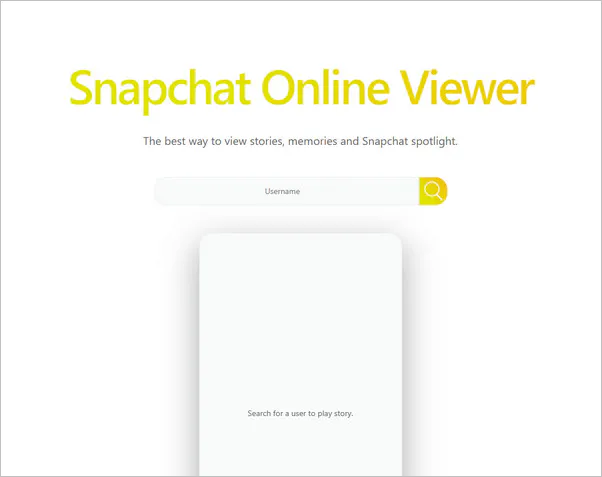
1. Snapchat Online Viewer
Snapchat Online Viewer is a tool for viewing and downloading Snapchat stories online, providing users with an easy way to explore and save Snapchat stories of interest.
Website: https://megastory.org/snap-viewer
Features:
- Anonymous Viewing and Downloading Capability: It allows users to view and download other users' public stories online without having to log in to their own Snapchat account.
- Identity Concealment Feature: It states that views made through its Snapchat Viewer do not appear in the story's view history, and no Snapchat login is required.
- Cross-Device: It supports use on a variety of devices, including computers, mobile phones, and more.
2. Storybox Snapchat Story Viewer
This tool is ideal for individuals who wish to browse through the stories of their friends or public figures without being detected. The application enables users to anonymously view the Snapchat stories of anyone without the need to sign in to their own account. It provides a straightforward and user-friendly interface that allows you to watch stories with ease.
Website: http://storybox.io/snapchat-story-viewer/
Features:
- Easy to operate: Designed with a user-friendly interface, users can quickly grasp its functionality and make effective use of it.
- No login required: No need for account login to operate.
- Simple interface: The interface design is user-friendly, simple and easy to understand.
- Allows anonymous viewing: It can meet your needs for anonymous viewing.
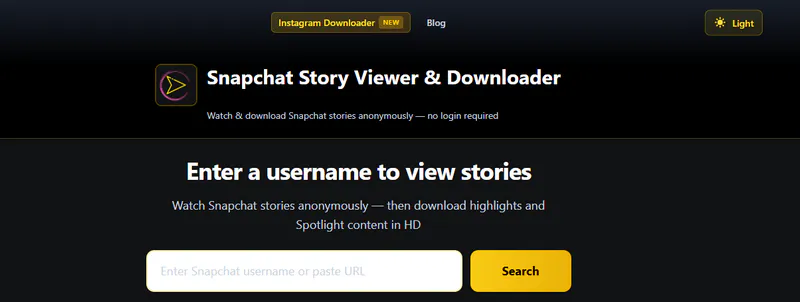
3. Storyclone Snapchat Story Viewer & Downloader
Snapchat Story Viewer & Downloader is an online tool for downloading and viewing Snapchat stories, enabling users to download and save stories from Snapchat for offline viewing or for review purposes.
Website: https://o.storyclone.com/
Features:
- No login is necessary to access this tool for viewing and downloading public stories on Snapchat.
- It is compatible with multiple devices.
- Simply enter the Snapchat username or story link of the target user to easily access and save content.
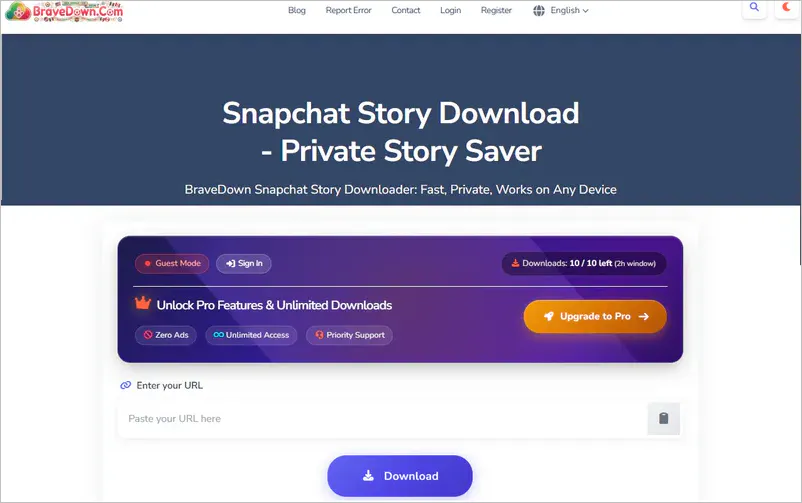
4. BraveDown
This tool allows users to download and save Snapchat stories, whether it's the entire story or individual snaps, as needed. It offers high-quality downloads and has a simple and user-friendly interface, requiring no login, ensuring user privacy. It enables users to save stories from Snapchat to their local devices for offline viewing or other purposes.
Website: https://bravedown.com/snapchat-story-downloader-online
Features:
- Support for saving entire Stories or individual Snaps.
- No login required.
- Support for mobile devices and desktop computers.
5. Snap Map
This is a feature within the Snapchat application. Snap Map enables users to explore public stories from around the world and share their real-time locations, as well as view their friends' locations and updates. Mobile users can access Snap Map by using a zoom gesture on the Snapchat homepage.
Website: https://help.snapchat.com
Features:
- Activate "Ghost Mode" to hide your location from other Snapchat users on Snap Map.
- It's not an anonymous story viewer.
6. Storyviewer.ai
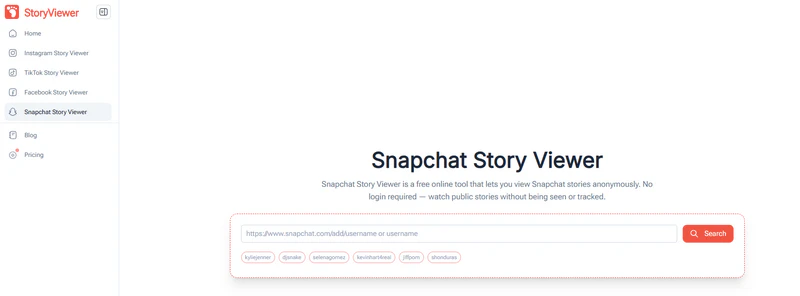
Storyviewer.ai is a browser-based Snapchat Story Viewer designed for viewing publicly available Snapchat Stories without signing in to a Snapchat account. Users can enter a Snapchat username or profile link to search for currently available public Stories. The tool works on both desktop and mobile browsers.
Website: https://storyviewer.ai/
Features:
- Search and view available public Stories without connecting a Snapchat account.
- The tool only displays Stories that are still live; expired Stories are not available.
- StoryViewer.ai claims that views made using its tool do not appear in the creator's Story viewer list.
7. SnapStoryView
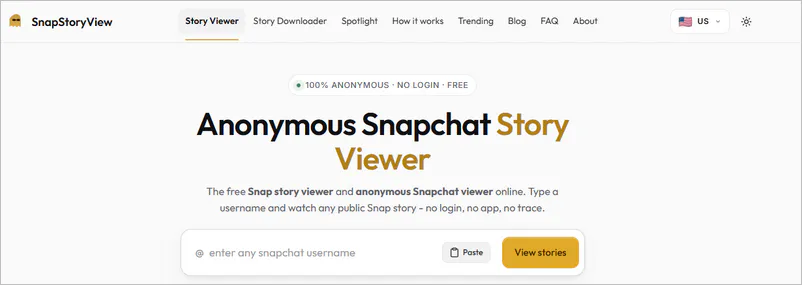
SnapStoryView is a browser-based tool designed to let users view public Snapchat Stories without needing to log in to a Snapchat account. Users can search using a Snapchat username, an @username, or a full link to a public profile. Additionally, the site offers options to download public Stories and provides dedicated tools for Snapchat Spotlight videos.
Website: https://snapstoryview.com/
Features:
- It only displays Snapchat Stories shared publicly by users.
- User-friendly interface.
- It cannot access private content or content visible only to friends.
- Works in major desktop and mobile browsers, including Safari, Chrome, Firefox, and Edge.
8. Toolizo
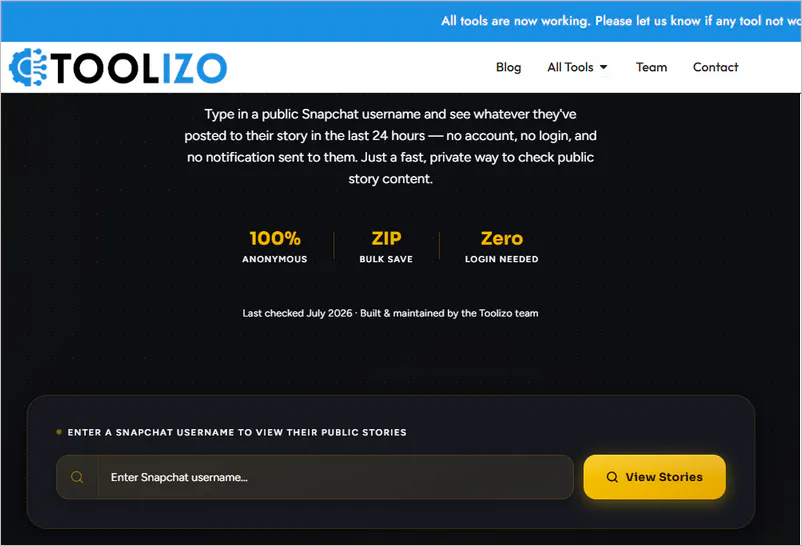
The Toolizo Snapchat Story viewer displays public Stories from the account that are still active within the last 24 hours, including photos and videos. It does not access private or friends-only content.
Website: https://toolizo.com/snapchat-story-viewer/
Features:
- If there are multiple public Snapchat Stories, you can save all the content at once using "Download All as ZIP".
- Toolizo also offers a dedicated Snapchat Video Downloader that allows you to download public Snapchat videos as MP4 files.
9. StoryKeek
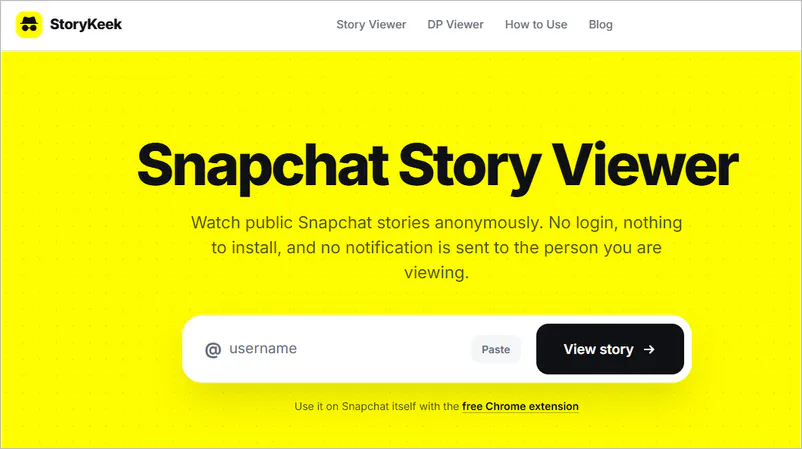
On StoryKeek, users can enter a public Snapchat username or profile link to view that account's Stories, Spotlight videos, saved Stories, and full-size profile picture.
Website: https://storykeek.com/
Features:
- It cannot access private accounts, chat logs, friend lists, or other content that requires a login to view.
- No Snapchat account, registration, or app installation is required for the web viewer.
- Public videos can be saved in MP4 format, and photos can be saved in JPG format.
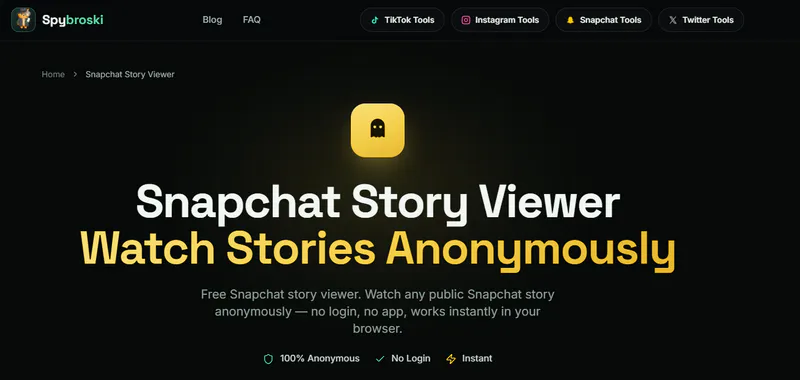
10. Spybroski
SpyBroski offers complementary Snapchat toolkits such as Profile Viewer, Highlights Viewer, and Spotlight Downloader. The site states that it does not store user data and describes itself as a search tool for public content.
Website: https://www.spybroski.com/spybroski/snapviewer
Features:
- Watch and plays Snapchat stories anonymously.
- It is used to search publicly accessible content, but cannot access private or friends-only content.
Part 2. Pros & Cons of Using Snapchat Story Viewers and Downloaders
Using third-party tools to view or download Snapchat stories certainly has many benefits, but there are also several important points to pay attention to:
Benefits of Snapchat Story Viewers:
- No Snapchat login required: Many web-based viewing tools allow users to browse public Snapchat Stories without needing to log into an account.
- Convenient browser-based access: View "Public Stories" via a desktop or mobile browser.
- Additional public Snapchat content: Public "Spotlight" videos, "Highlights", or other publicly accessible Snapchat content.
- Download options provided: Certain Snapchat Story viewers provide download options.
Limitations of Snapchat Story Viewers:
- It is not available for private accounts, friends-only Stories, chats, or other content protected by Snapchat permissions.
- There is a risk of account privacy exposure, and it is necessary to carefully discern whether third-party software contains viruses.
- Third-party viewing tools may stop working properly when Snapchat makes changes to its website, API, or access restrictions.
- Downloading or redistributing Snapchat content without permission may infringe on the rights of creators and violate the platform's rules.
Relatively Safe & Feasible Methods:
In the face of these risks, is there a safer way to view Snapchat stories anonymously? Sure, you can use a backup account.
- Create a new Snapchat account.
- Maintain the privacy of this account and minimize the exposure of personal information.
🔔 Tips: For users who wish to protect their stories from being viewed by unauthorized individuals, it is recommended to set the visibility of stories or to regularly change the account password.
Part 3. How to Download Authorized Snapchat Story Videos
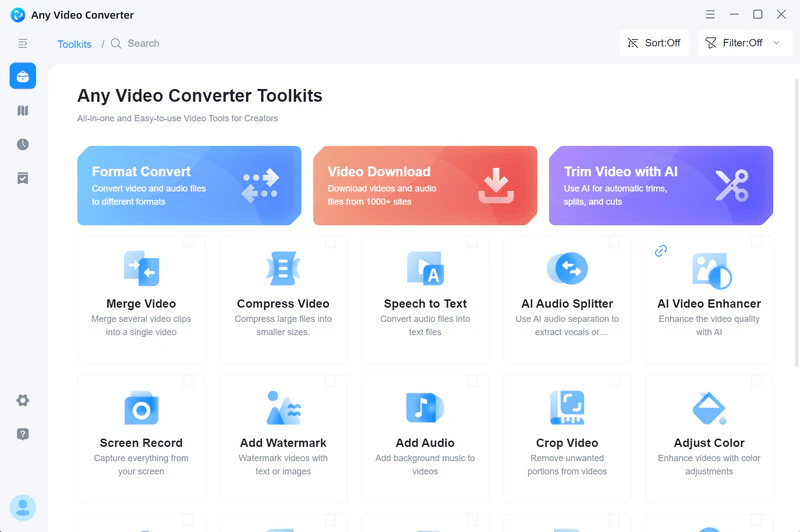
If you want to avoid account risks while viewing Snapchat Stories anonymously, you might want to check out Any Video Converter.
Use Any Video Converter to download Snapchat Stories for viewing, although it is not as convenient as online tools. However, the extra step can meet more needs. By doing so, you not only ensure the protection of your account information, but also easily get a high-quality viewing experience. If you want to view or download the Snapchat Stories of a specific account, using Any Video Converter is especially suitable.
Key Features of Any Video Converter
- Video downloads from more than 1,000 supported sites.
- Edit Snapchat Story clips with trim, crop, and special effects.
- Batch download Snapchat Stories as MP4, M4A, MKV.
- Extract audio from available Snapchat Stories.
How to Use Any Video Converter to Download Snapchat Stories?
Step 1 Open Any Video Converter and enter the video download tool.
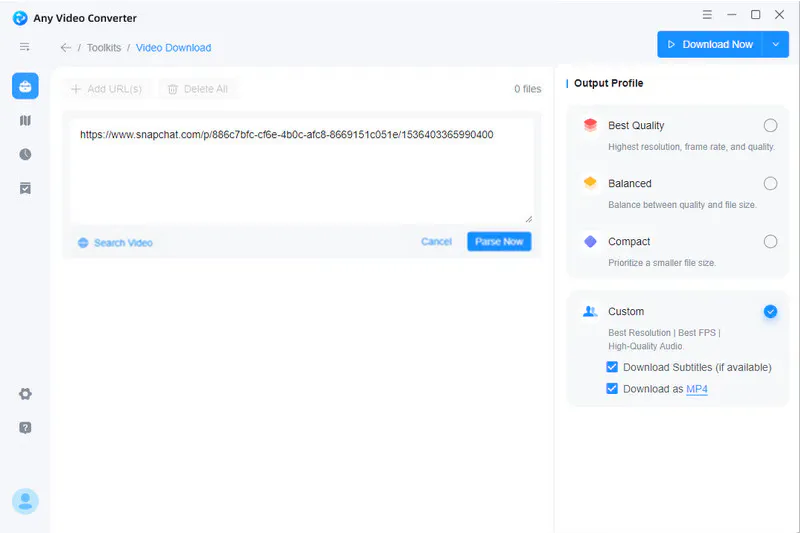
Step 2 Copy and paste Snapchat video links into Any Video Converter. Click the "Parse Now" button and adjust output settings on the output profile. Choose the available quality and output settings before downloading.
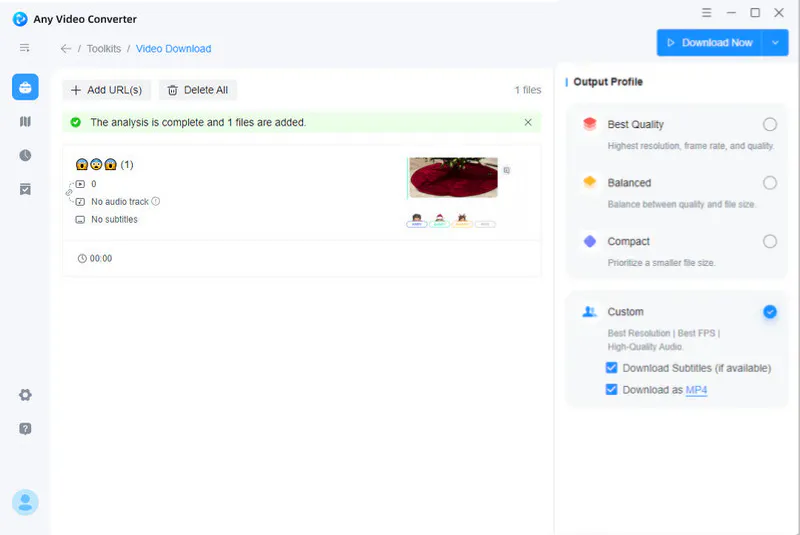
Step 3 Tap "Download Now" in the upper-right corner to start the download. Then, the Snapchat Stories will be downloaded.
Part 4: FAQs about Snapchat Story Viewer
How can I see someone's Snapchat story without having Snapchat?
1. Some third-party viewing tools mentioned in the article claim that users can view public Snapchat Stories without needing to log in to Snapchat. However, you likely won't be able to access private Stories, friends-only, or expired Stories.
2. Requesting assistance with recording:
- Screen Recording: Open Snapchat, navigate to their story, and then record your screen while the story is playing.
- Capturing: Use another device or a camera on a device to capture footage for the story.
What does the order of viewers on Snapchat mean?
Snapchat does not publicly disclose the exact order of Story viewers. A viewer appearing near the top does not necessarily mean they viewed your Story most often or interact with you the most.
How do I see who viewed and replied to my Snapchat Story?
How to see who viewed your story:
- Open your Story and swipe up. For a public Story, the viewers are listed under Viewers in the Insights and Replies section.
How to determine who replied to your story:
- In the Insights and Replies section, tap any reply to view the full message and reply back.
Note: Public Story viewers may include friends, followers, and other Snapchatters. Story Replies are private and can only be seen by the Story owner.
How to see private snaps on Snapchat?
Viewing in DMs: If your friend has sent you private photos, you can view them directly within the chat. You can also save photos in a chat for convenient access later.
Viewing in "Memories": By saving your photos in "Memories," you can access them through the "Memories" feature. Furthermore, you may even edit and resend the Snap.
Conclusion
This article compares 10 Snapchat Story viewers in 2026, focusing on public-content access, ease of use, download options, and privacy considerations. Since anonymous viewing claims vary by service, users should rely on publicly available content and avoid tools that request unnecessary account credentials.
If you need to further process Snapchat videos you own or are authorized to save, Any Video Converter can help with format conversion, trimming, audio extraction, and other post-download tasks.

Besty Smith | Content Writer
Besty Smith is a talented and insightful content creator with a keen interest and
passion for software programs. She focuses on in-depth research and hands-on experience with various
types of software, providing readers with in-depth and inspiring content through precise writing. With
her keen insight into the software industry, Besty is committed to helping readers keep abreast of the
latest industry trends so that they can stay competitive in the digital age.